Choose an IPTVX source that matches what you were given
Test one playlist or personal-library connection on the intended IPTVX platform before relying on account or cloud synchronisation.
 IPTVBlogs editorial desk · Updated · First published
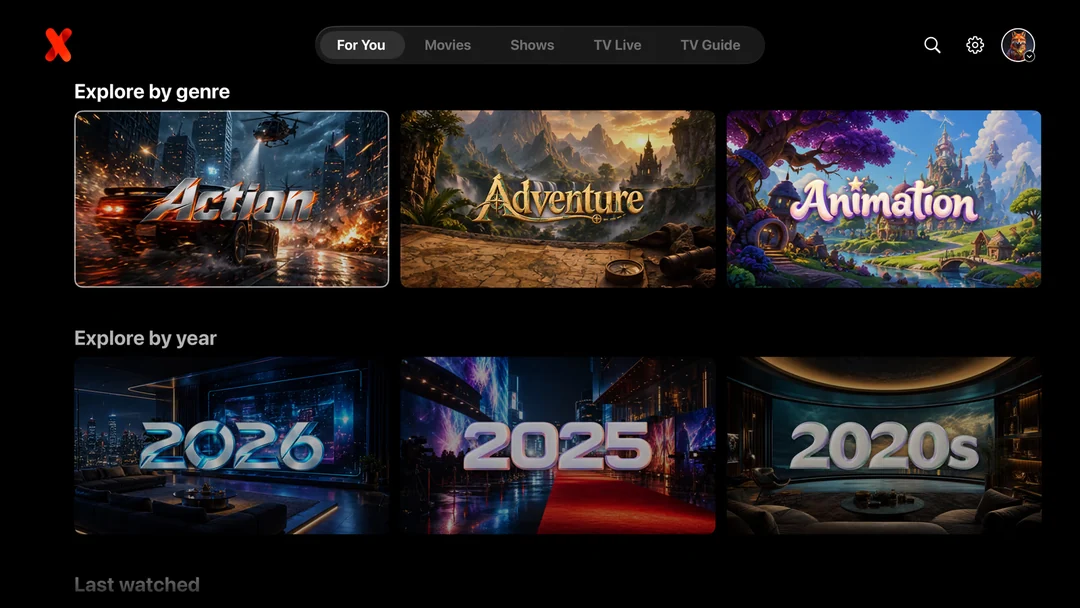
Choose the IPTVX source type that matches your account. A playlist URL, an account with separate sign-in fields and a personal media server each need different information. Start with one source on the screen you actually want to use. That makes a missing sync or playback feature easier to diagnose later.
Choose the source before choosing the subscription
On the target device, verify the publisher and current listing. The publisher documents releases for more than one platform and distinguishes their installation routes. The Apple listing describes Apple-side features such as synchronisation through iCloud. For cross-platform use, check the current publisher documentation for the two exact devices and the feature you need.
Add one named source. If it is a permitted TV playlist, test a familiar live station and compare one guide programme with the broadcaster’s schedule. If it is a personal library, open one file you can also reach with the library’s normal client. That second access path tells you whether IPTVX is the only part of the setup having trouble.
| Result | What to verify |
|---|---|
| App installs. A source field asks for the wrong details. | Return to the source menu and choose the format your provider documented |
| Playlist appears on the phone. TV shows an empty library. | Confirm both app versions, platform support and the account used for sync |
| Source appears on both screens. Only one screen plays it. | Compare playback format, network and the provider’s device or stream terms |
| Personal library appears. One file fails. | Check the same file in the library’s own supported client |
Test the second screen after the first works
Close the first session if needed, then open one item from the same source on the second screen. Check guide and favourites separately. Keep the original device’s working configuration while investigating sync. If a source was added to the wrong account, save its information privately and use the publisher’s documented removal and account recovery steps. A useful support report names the platform, app version and whether the source is missing or merely refuses playback.