Assign a playlist to the correct OTTPlayer device
Check account pairing, device assignment and channel playback in the publisher’s dashboard workflow.
 IPTVBlogs editorial desk · Updated · First published
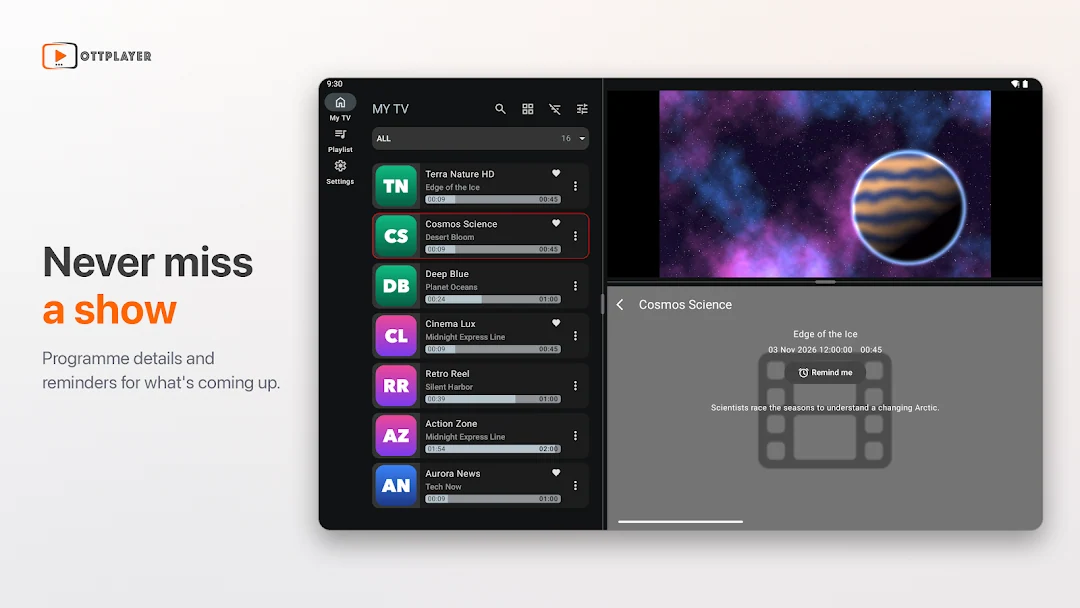
A playlist can exist in your OTTPlayer account and still be missing from the TV. The publisher’s setup joins three pieces: the account you sign in to, the device registered to that account and the playlist assigned to that device. Check the assignment before replacing a URL that already works elsewhere.
Start with the TV that should receive the list
Open OTTPlayer on the television and confirm which account is signed in. Use the publisher’s site to see whether that TV appears among the account’s devices. A replacement television can have the same room name as the old one. If the dashboard permits renaming, give each entry a name you can identify on the spot, such as Living Room 2026 and Old Living Room.
Add or upload your source in the OTTPlayer account as directed by the publisher. Pair it with the device you want, then reopen or refresh the TV app. A known group appearing on the intended TV confirms the assignment. Next try a channel from that group to verify that the source can play.
| Where it stops | First thing to verify |
|---|---|
| Account opens and the new TV is absent | TV sign-in and registration in that account |
| TV appears and its list is empty | Playlist assignment for that TV entry |
| Old TV receives the list | Which device the assignment points to |
| List appears and one channel fails | The stream from that list, using a second channel as a control |
Make a change you can undo
Keep the old device and playlist entries until the new TV shows the expected group and plays. If you assigned the wrong list, restore the previous assignment and select the correct TV before trying again. Close the stream on the old TV before the new playback check if your source allows one session.
When you contact support, report which of the four steps succeeded. The email address and playlist URL can remain in your private notes. “The new TV appears in the dashboard and the assignment is saved, but the TV still shows an empty list” gives support a clear place to begin.