Choose an external list or a one-time playlist upload in SS IPTV
Use SS IPTV’s documented import route for your file type and verify that the TV reads the intended copy.
 IPTVBlogs editorial desk · Updated · First published
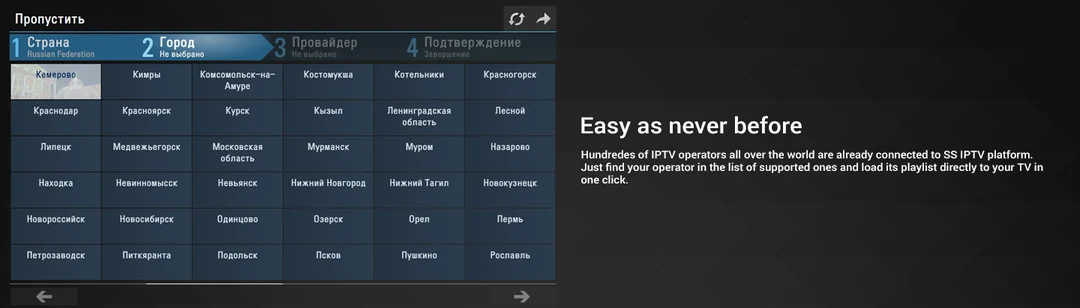
Use an external list when you have a playlist URL the provider keeps updated. Use SS IPTV’s one-time upload when you have a local M3U file you are authorised to use. The publisher describes the two routes separately. A change made in one route may leave the other copy in place.
Start with the file or link you received
For an external list, open SS IPTV’s settings and locate its External Playlists controls. Add the provider-issued link and give it a title you recognise. For a local file, follow the publisher’s one-time code workflow. The code comes from the television app, and the publisher’s playlist page associates the uploaded file with that device. Use a fresh code if the one you copied is no longer accepted.
SS IPTV documents M3U for internal uploads and supports additional formats for external lists. It also specifies UTF-8 encoding. If an older local playlist opens with broken accents or fails to import, make a separate UTF-8 copy and preserve the original file. Check one station name with an accent and another ordinary name after uploading.
| Symptom | Useful check |
|---|---|
| Web upload rejects the code | Generate a fresh code on the same television and use the official upload page |
| The TV opens yesterday’s list | Check whether you are viewing the internal file or the externally refreshed list |
| Channel names display broken characters | Verify file encoding with a separate UTF-8 copy |
| Names load. A station fails at Play. | Check a second permitted station and ask the source about that feed |
Keep a short recovery path
Give new test lists clear names before replacing a working one. If the publisher’s internal upload replaces your existing live list, keep the old file available to upload again. After each change, reopen the app, open the named list and test a familiar channel. Device codes and full playlist addresses belong in the documented upload flow. A public support post can include the file type, TV model and exact error without including either.