
What to check before you subscribe
Before relying on a StarShare offer, ask who invoices the order and who issues the account. Keep the website address and support confirmation with that record.
- Exact-domain commercial terms remain unverified.
- Separate the player publisher, storefront merchant and panel issuer.
Source discrepancies
- Third-party storefronts and directories surfaced current-looking claims without an accessible exact-domain first-party offer.
Track who will actually issue the account
StarShare appears in storefronts and directories. When a seller uses that name, ask for the exact issuer’s domain, the invoice merchant and the route for account support. Keep the original offer with the reply. If a seller presents a branded image and a different domain, the invoice and activation details matter more than the artwork.
Make a panel quote specific
Ask for the complete amount and currency, the credit meaning, when balance expires, and who can suspend or transfer a customer line. Request a non-sensitive example of a new activation and an example of a renewal from the same panel. Keep third-party pack prices out of the spreadsheet until the issuer confirms the balance and rules you would purchase.
Leave logins out of public support posts
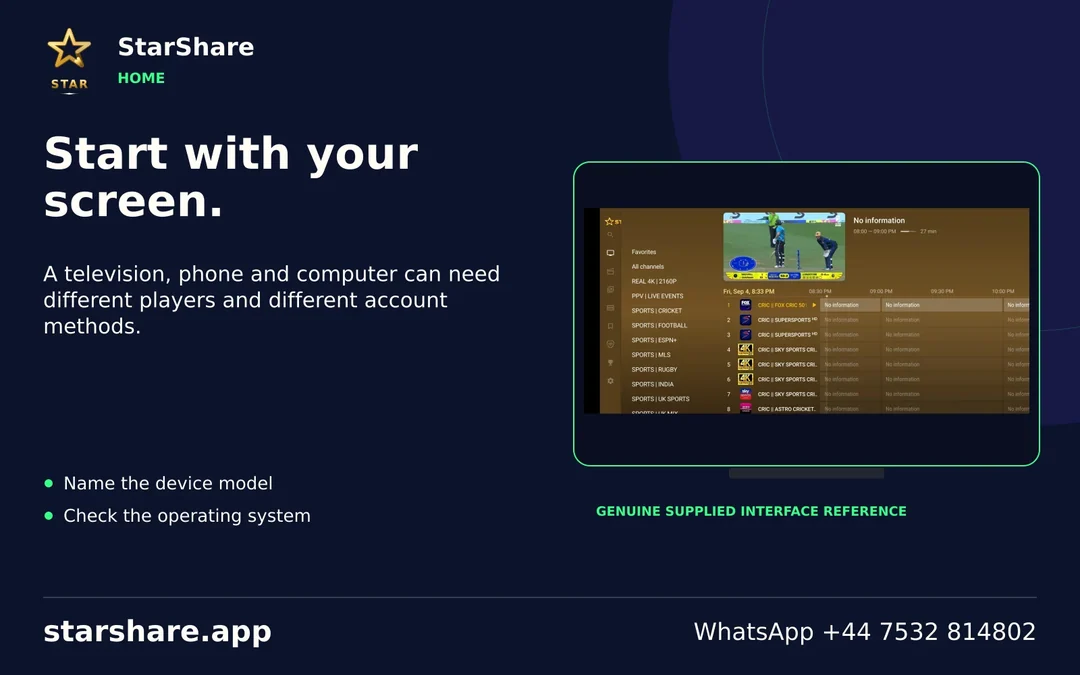
For installation questions, share the player publisher, device model and the names of the fields you see. Crop out server addresses, playlist links and credentials. If you need help with an existing order, use the contact given by the issuer and cite the invoice reference privately.