Use a local network check to explain repeated live-TV stalls
Compare the TV’s link, a second programme and a repeatable test to tell local Wi-Fi loss from a wider delivery problem.
 IPTVBlogs editorial desk · Updated · First published
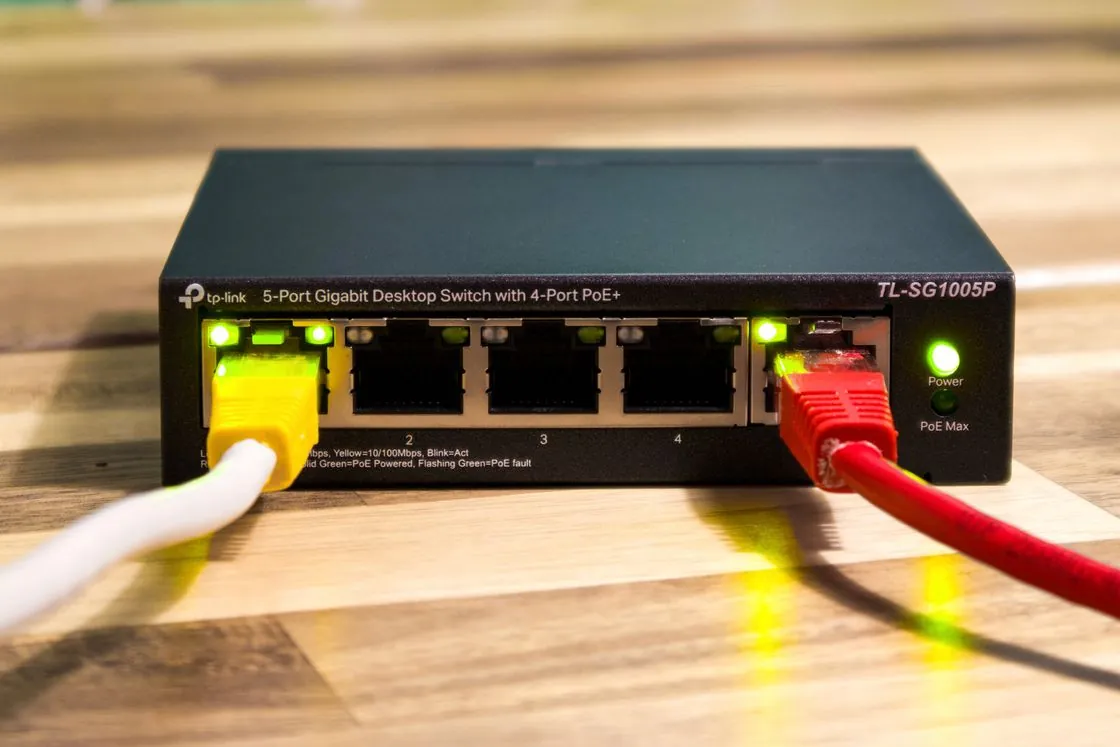
Repeated short stalls can come from a local Wi-Fi connection even when a quick speed test reports plenty of capacity. Look for a pattern that changes when you compare the same programme over a different connection from the TV or player. A single high download number is only a snapshot.
Record the stalls and how long each lasts
Use an authorised live feed and watch for ten minutes. Note the start time, the number of stalls and whether sound, video or both stopped. Open another independent app on the same player and repeat. If your device has a network check, run it during the problem and note whether the device reports a local or internet failure.
On a computer you control on the same Wi-Fi, a brief ordinary connection test to your own router can help identify local instability. Compare the distribution of delays and missed replies with a wired run at the same time. The computer has a different radio from the TV, and some devices give diagnostic traffic lower priority. Use the results as one piece of evidence alongside the TV’s playback.
| Example observation | Where to look next |
|---|---|
| The TV and a nearby laptop both lose their local connection briefly | Check access point coverage, signal and whether a mesh node lost its link |
| Only the TV stalls. Wired playback on that TV is stable. | Compare the television’s position and wireless link |
| Wired and wireless playback fail across several independent services | Check router internet status and ask your access provider about the interval |
| One feed fails on two stable connections while other apps work | Report the exact feed, service, player and time to the streaming provider |
Change only one thing for the comparison
Try a documented wired option if available, or temporarily compare the same player nearer the access point. Keep the app’s buffer setting, DNS and picture quality fixed for this run. If the stalls vanish, repeat once at the time of day they normally happen. If the behaviour is unchanged, restore the original placement and collect the next useful comparison.
Give support two observations instead of a theory. For example, “three stalls in ten minutes over Wi-Fi, none on wired, same player and title at 20:15. A second app showed the same pattern.” If only one feed had the issue, say that instead. This makes the next test clear without assuming where in the network the fault occurred.