A MAG portal opens on the old box and refuses the new one
Check the exact MAG model, portal compatibility and provider-side registration before you remove a working device.
 IPTVBlogs editorial desk · Updated · First published
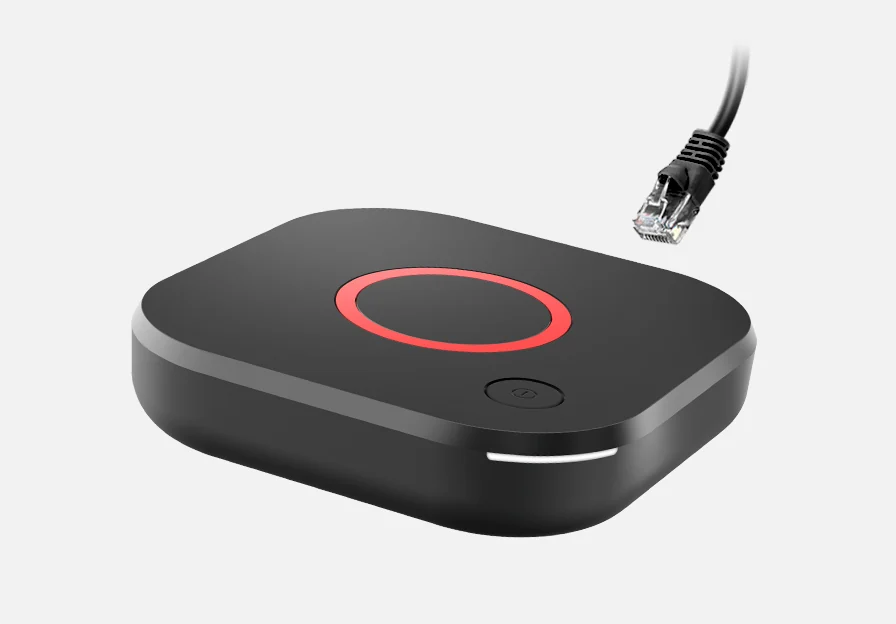
If the old MAG box connects and the new one reaches the portal but refuses to load it, ask your provider whether its portal supports the new model and whether the service must register that device. Infomir specifically describes a software-compatibility message on MAG540 and MAG544 units. Retyping an address will not update the provider’s portal software.
Find the exact message before disconnecting anything
On the new box, confirm it boots to its own settings and joins the network. Record the full model suffix and the software version. Open the address issued to you by your service, using its documented method for that device. Note the last screen you can see: the box settings, the portal’s loading screen, a compatibility or authorization error, the channel list, or a single failing channel. That sequence tells support more than the word “blocked.”
Infomir’s documentation distinguishes the box’s own interface from an external portal. An older model opening the portal shows the service worked with that model and account. It gives no assurance about the newer box, the operator’s middleware or what hardware the plan permits.
| Where it stops | Next check |
|---|---|
| New box has no network connection | Check the connection and run a supported network test on that box |
| Portal loads and says the software is incompatible | Give the model and error to the service operator and ask about middleware support |
| Portal recognises the box but refuses the account | Confirm provisioning, supported hardware and any allowed transfer |
| Channel list loads. One feed fails. | Try one other permitted feed and report the programme and exact failure time |
Keep the old box as a recovery option
Leave the working setup alone while support checks the new model. If support must move the registration, ask how to reverse that move if the new box cannot play. Share only the device identifier support needs through the service’s private support channel. Keep it out of posts, screenshots and listings.
After support confirms the change, close playback on the old device if the plan permits only one active stream. Open a known live station on the new box, then the programme guide, then exit and come back. A successful portal welcome screen is a start. The cutover is useful once a familiar feed and the features your household actually uses still work after reopening.