Add a playlist to the IBO Player edition on your television
Match the installed app with its own device portal, then check the player licence and channel access separately.
 IPTVBlogs editorial desk · Updated · First published
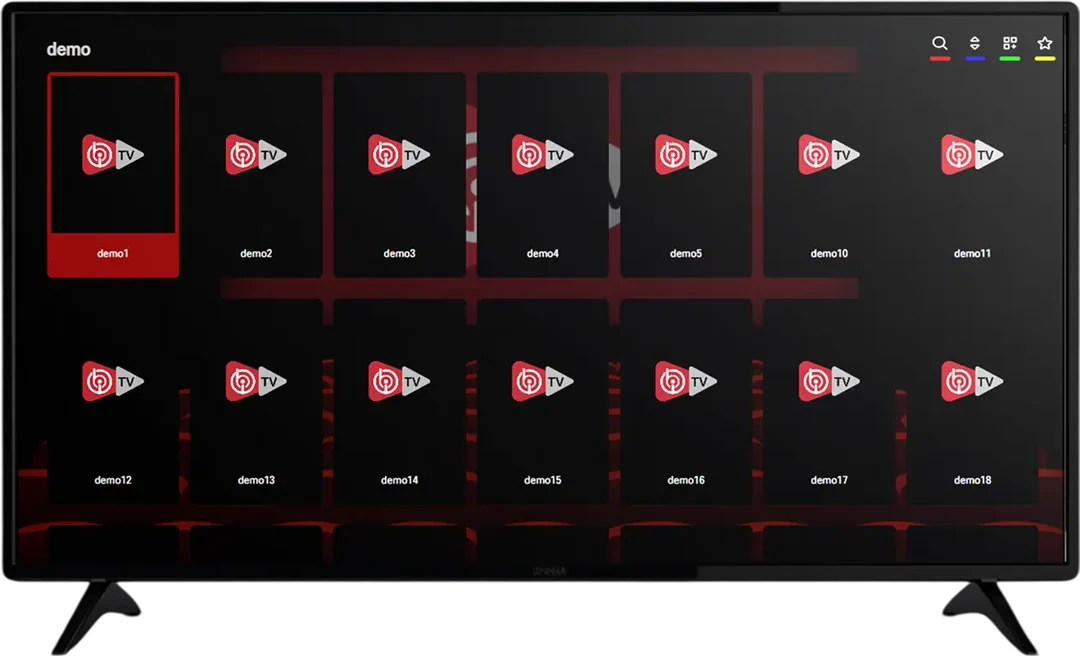
Open IBO Player on the television and follow the setup address or publisher named inside that app. The IBO Player support page documents a MAC ID and Device Key for its web portal. Similar names and logos are in use. If the portal rejects your identifiers, check the edition shown on the TV before trying another website or paying for activation.
Add one source and make it easy to find
Open the device portal from the publisher’s documented route. Enter the identifiers shown by the app and add an M3U or M3U8 playlist you have permission to use. Give it a name you recognise, especially if your household already uses another source. Complete the publisher’s save step. Return to the television, reopen the app and select that named list if more than one appears.
Start with one live station that the playlist is meant to contain. Try another station from the same source. If the menu shows the playlist but neither station opens, keep the list in place and check the link or subscription with the source operator. If the list never appears, compare the Device Key and the publisher with what is on the television.
| Screen or message | Check next |
|---|---|
| Portal refuses the Device Key | Match the exact installed app, TV and setup address |
| Portal saves the list. TV still shows its old lists. | Reopen the app and verify the device identifier used to upload |
| List appears. Individual feeds fail. | Check a second authorised feed and the service account |
| App licence has expired. | Check the original publisher’s activation and device terms |
Save the original setup before moving it
The app licence and the source account have separate support routes. A receipt for activation identifies the player product. For missing channels or an expired viewing account, check the source’s own records. If you are changing televisions, ask the app publisher whether the licence can move and ask the provider whether the playlist can be used on the new screen. Keep the original player usable until one familiar programme opens on the replacement. Share any device key or account address only through the relevant private support channel.
Sources
Questions readers ask
How can I check which IBO app my television has?
Read the exact app name and publisher in the TV’s store or app information. Match that edition to the publisher’s instructions before buying activation or entering account information. Keep the identifiers on the activation screen private.