
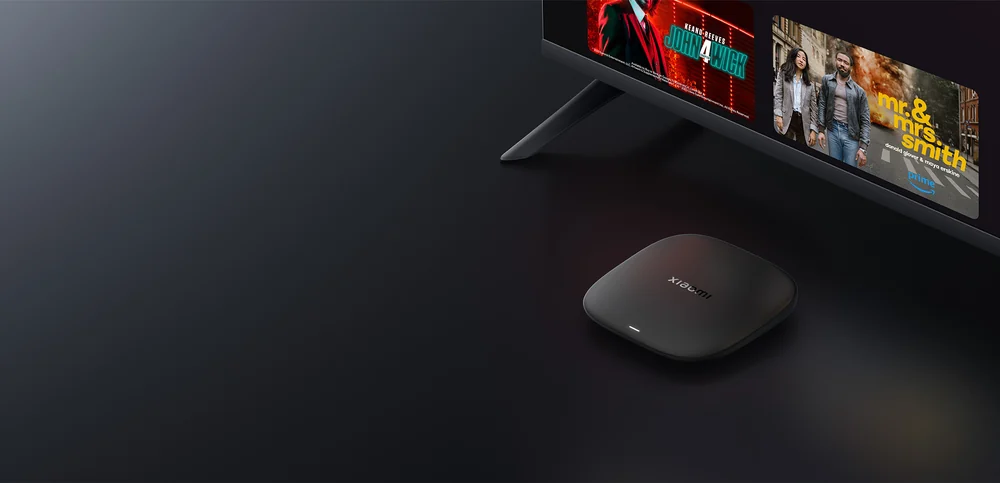
Find the exact generation
Xiaomi’s third-generation TV Box S runs Google TV. Check the packaging and system information before applying advice for a Mi Box S or a TV Stick. Product lines share names while their ports, remote and platform builds differ. Use Xiaomi’s regional specification for accessories and use the device’s own search for the app.
Make a picture and app baseline
Plug the box directly into a known working HDMI input for the first test and finish software updates. Confirm a known-good app can play one item before adding the desired app. If you use a receiver or soundbar, add it after you have a stable picture and sound. Note whether a dropout happens at app launch, during the first resolution change or minutes into playback.
Compare playback close to the router
A small box behind a television can have a different signal than a phone held in front of the screen. Try moving the box to a clear position or test it nearer the router with the same app and one authorised stream. If performance improves, work on placement and coverage before paying for a new subscription. If you need wired networking, check what the exact model and accessories support before purchasing an adapter.