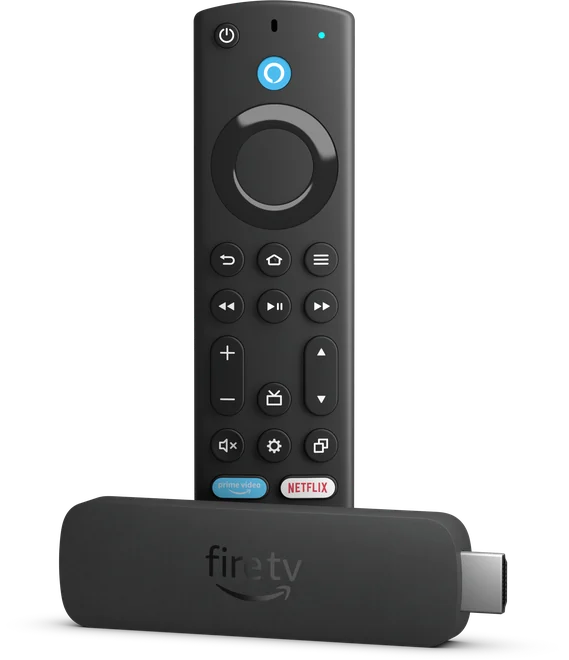
Streaming devicesFire TV Stick 4K Max (2nd Gen)Confirm you have the 2023 4K Max, find the matching store app, and isolate power, HDMI and wireless issues before resetting the stick.
Streaming devicesFire TV Stick 4K SelectThe 2025 Fire TV Stick 4K Select uses Vega OS. Look for a listing made for your device before buying an app or changing your streaming plan.
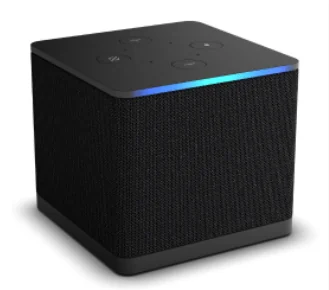
Streaming devicesFire TV Cube (3rd Gen)Use the Cube’s Ethernet port to isolate wireless problems, then trace the right HDMI input and audio output before changing the app.
TV platformsAndroid TVFind the TV edition of the app, check whether the remote can reach every control, and test the audio and caption tracks you actually use.
TV platformsSamsung Smart TV and TizenUse the Samsung TV app catalogue with the exact model and market. Similar names can refer to different releases, publishers and purchase arrangements.
TV platformsLG webOSSearch the LG Content Store by model and country, then check the webOS version and storage if an app appears but will not install.
TV platformsHisense TVs with VIDAACheck that the exact Hisense model runs VIDAA, then distinguish the TV’s streaming apps from VIDAA’s companion remote app for phones.
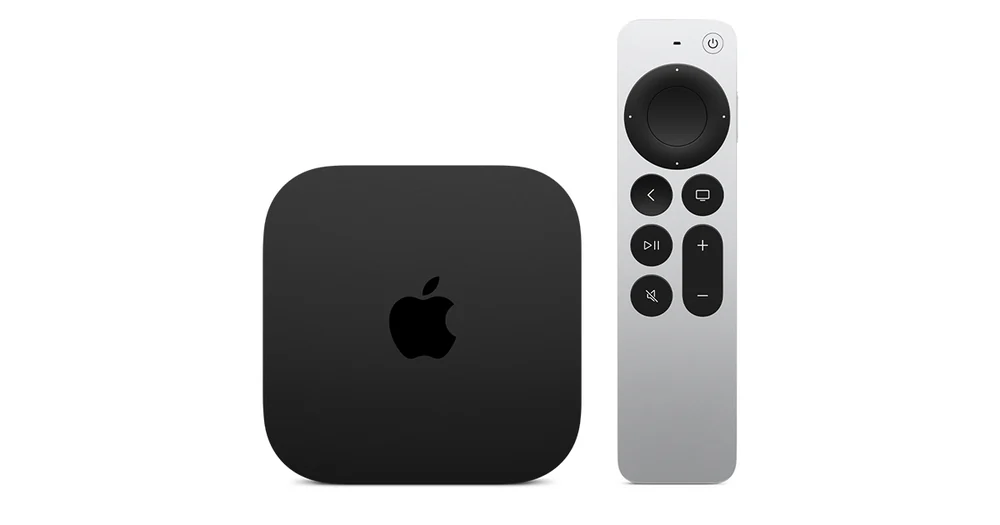
Streaming devicesApple TV 4KUse the tvOS App Store, distinguish the Apple TV box from the Apple TV app, and test audio and picture changes one at a time.
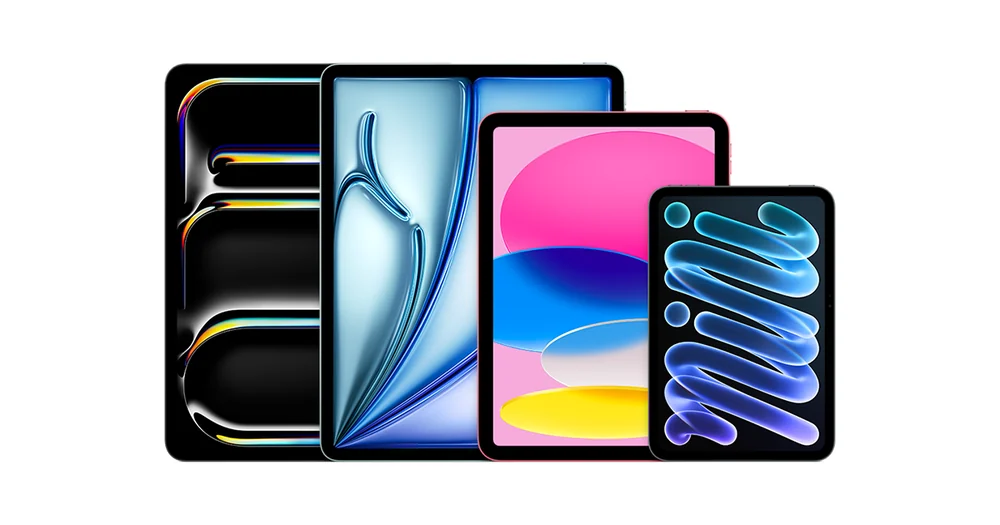
Phones & tabletsiPadCheck iPad compatibility and test full-screen captions and orientation before depending on a player for a larger screen or shared viewing.
ComputersWindows 11Test the provider’s supported browser or desktop player, then check the actual output display before expecting HDR or judging picture quality.
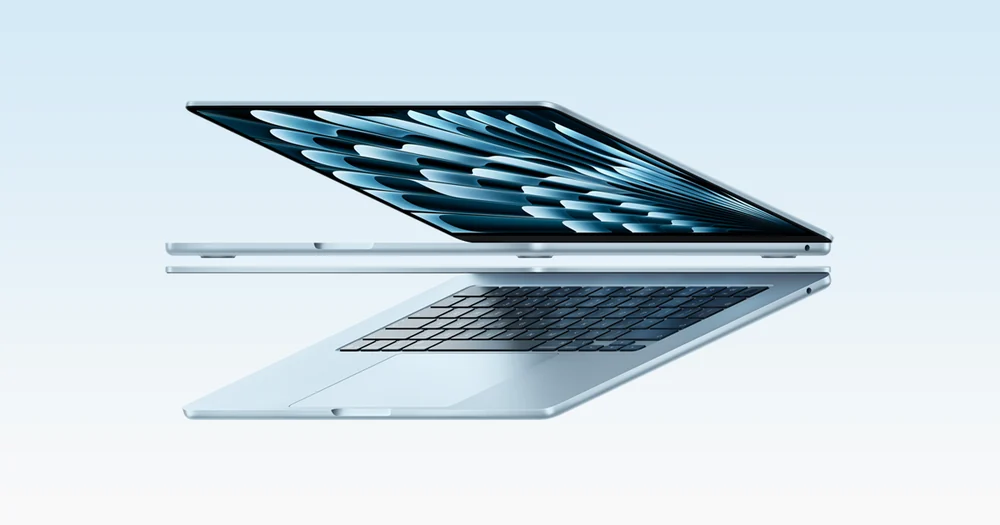
ComputersmacOSUse Safari or the provider’s supported app for a baseline. Check the Mac model, display chain and output destination before troubleshooting HDR or AirPlay.