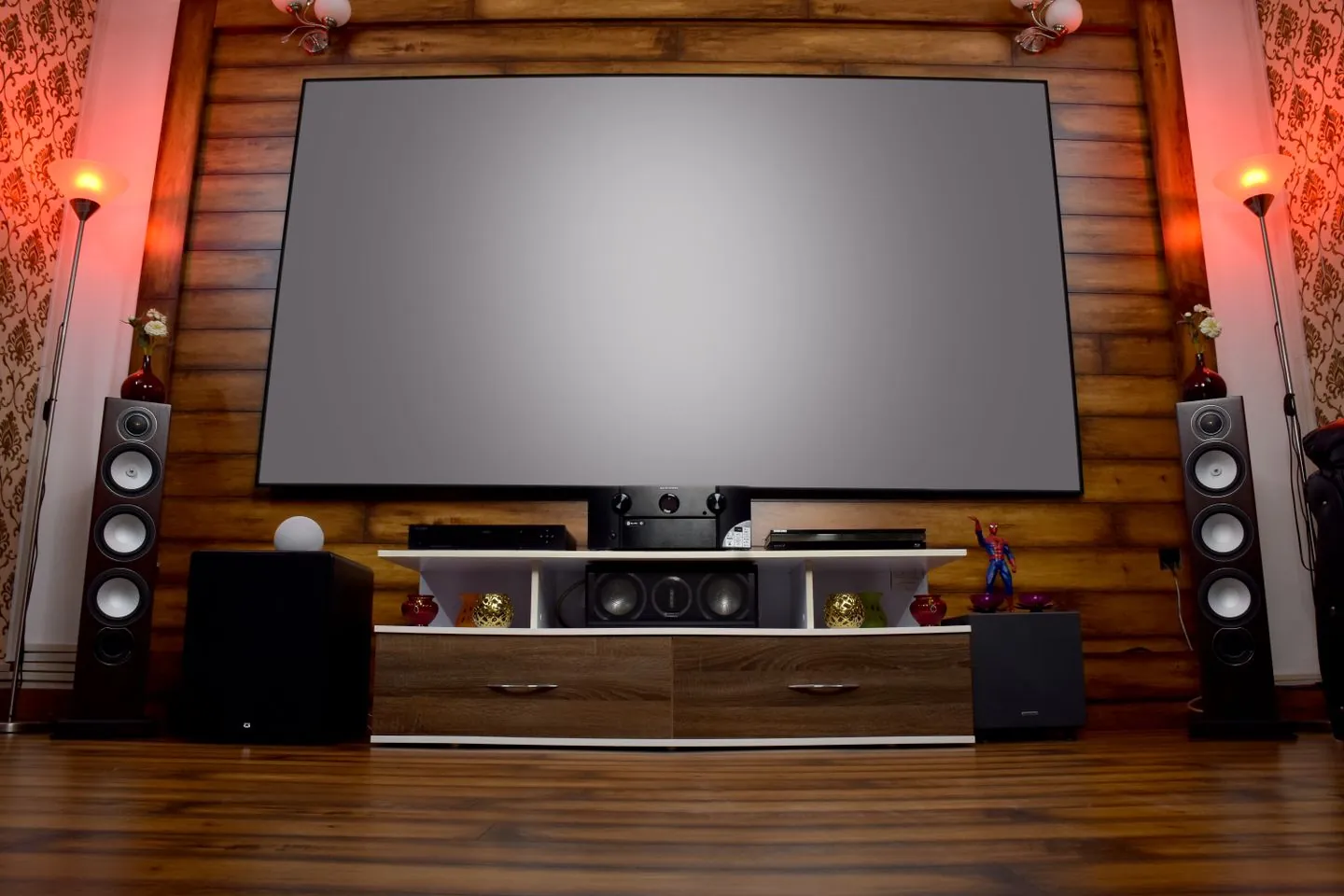
Why a 4K stream stutters on a fast connection
Use a matching HD stream and a stable network test to distinguish decoding, motion and delivery.
 IPTVBlogs editorial desk · Updated · First published
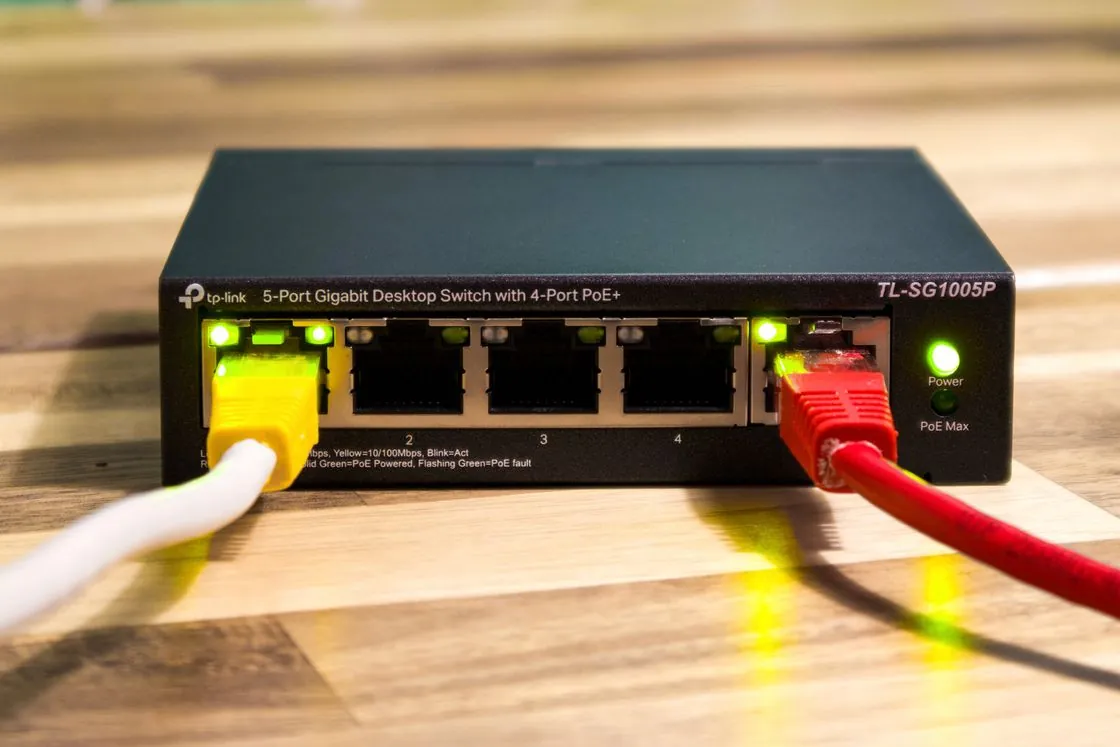
Compare an HD version of the same material
Keep the device and connection fixed. Try a 1080p rendition of the same kind of content. If HD is stable and one 4K format breaks up, check the device's codec, profile, frame-rate and HDR support. A fast connection cannot add a decoder the hardware lacks.
HD plays, the 4K edition stalls
Try the HD edition on the same device, connection and scene. A difference narrows the next checks to the heavier stream and its decode path.
Follow the checks →See whether motion or network interruptions match the symptom
If the picture pauses and the player shows loading, compare the same 4K stream over Ethernet if you can. If playback continues but panning looks uneven, compare the display refresh setting and the source frame rate. For audio that continues under a frozen picture, record the codec and whether the app can decode the same format in another file.

A regular stepping pan or a random freeze?
Watch a slow camera pan, then a static shot. Note a repeating cadence step separately from a full pause, a spinner or broken sound.
Follow the checks →Keep evidence from peak viewing
Write down the selected quality, device model, connection type and time of the test. Compare two evenings if the issue usually happens during live events. That makes it easier to distinguish a single source issue from a decoder or household network limitation.
Sources
Questions readers ask
Why does a 4K stream stutter on a fast connection?
Try similar material at 1080p on the same device. If only 4K fails, check codec, frame rate, HDR and hardware decoding, then repeat the 4K test over a stable connection.