Fix an EPG that is one hour ahead
Compare the TV clock, time zone and source offset to find the cause of a uniform guide shift.
 IPTVBlogs editorial desk ·
Check two known programmes
Choose two unrelated channels and note an upcoming programme from each broadcaster. If both entries differ by exactly one hour, look at the device time zone, daylight-saving adjustment and player offset. A single incorrect row calls for a channel mapping check.
Two programmes are exactly an hour out
Check programmes on two unrelated stations against their broadcaster schedules. If both move in the same direction, inspect the device clock and guide offset.
Follow the checks →Verify the clock before touching the playlist
Open the device time settings. Check the selected time zone and whether the time is set automatically. Restart the player after correcting the setting, then refresh its EPG. A timestamp with an explicit offset describes a moment independently of the zone you choose to display it in.
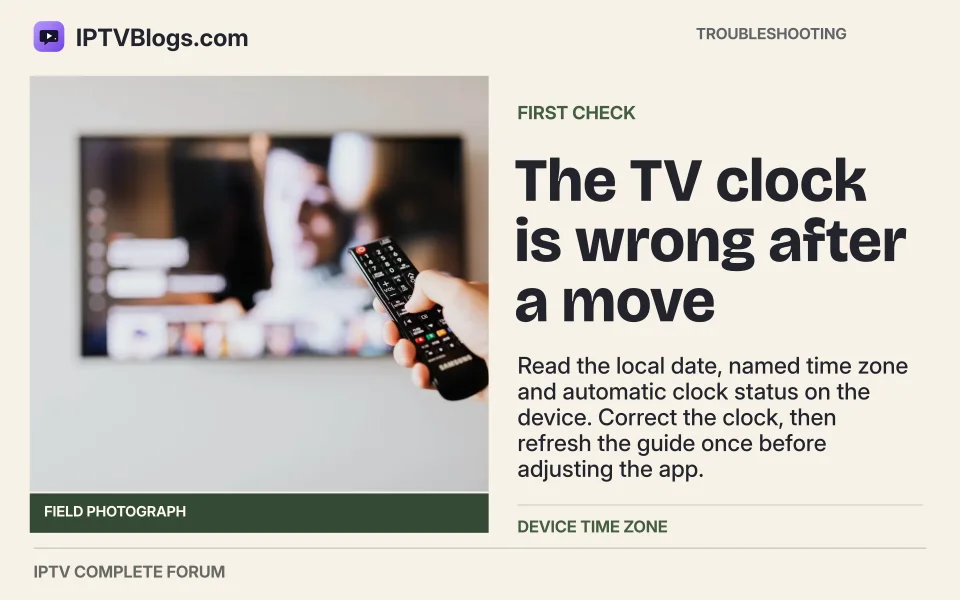
The TV clock is wrong after a move
Read the local date, named time zone and automatic clock status on the device. Correct the clock, then refresh the guide once before adjusting the app.
Follow the checks →Make one adjustment at a time
If the device shows the right time but both listings are shifted, record the player's current offset. Try a zero offset and recheck the original shows. Apply a correction only after you know the direction and size of the remaining error. A regional feed may legitimately air a programme at a different hour.
Confirm the fix through a change of date
Look at the last show before midnight and the first one after. If the app gets those boundaries right, you have a better check than a single prime-time title. Remove any temporary offset if a later source update corrects its timestamps.
The shift changes at midnight
Test a programme late in the evening and one on the following date. Record the published local date and time for both.
Follow the checks →Sources
Questions readers ask
Why is my EPG one hour ahead?
Compare two known programmes. If both are shifted by the same amount, confirm the device time zone and daylight-saving settings. Remove any manual player offset and refresh before changing the source.
Should I apply a manual EPG offset immediately?
Record the current offset and confirm the device time zone. After a fresh import, compare two known shows. Apply a manual adjustment only if you can reproduce the remaining uniform error.
What if the listings are wrong only on the clock-change weekend?
Compare a known programme on either side of the change. Keep the dates, local time zone, and guide source offset in your notes. If several unrelated channels shift together, check the device clock and manual offset before remapping individual feeds.