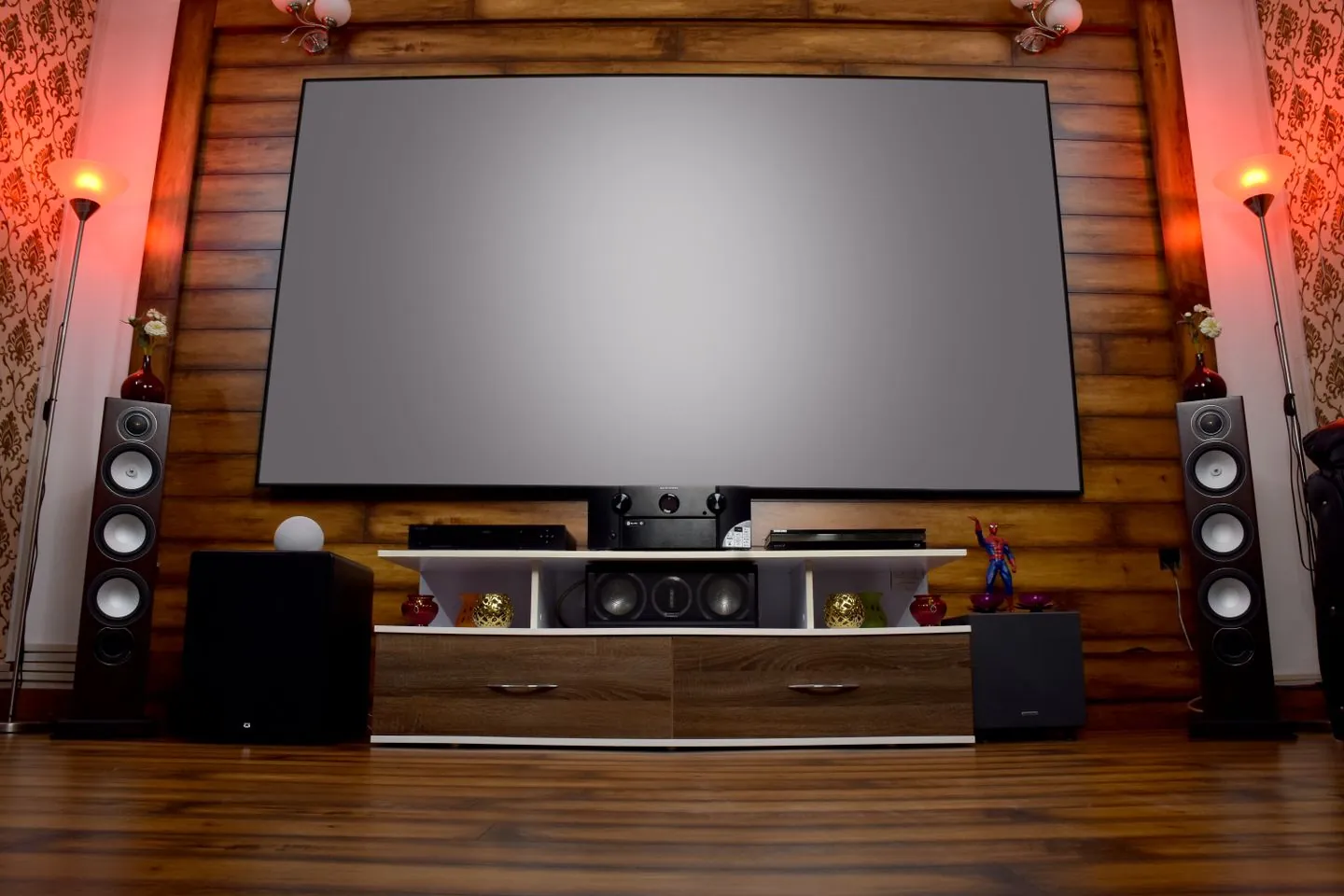
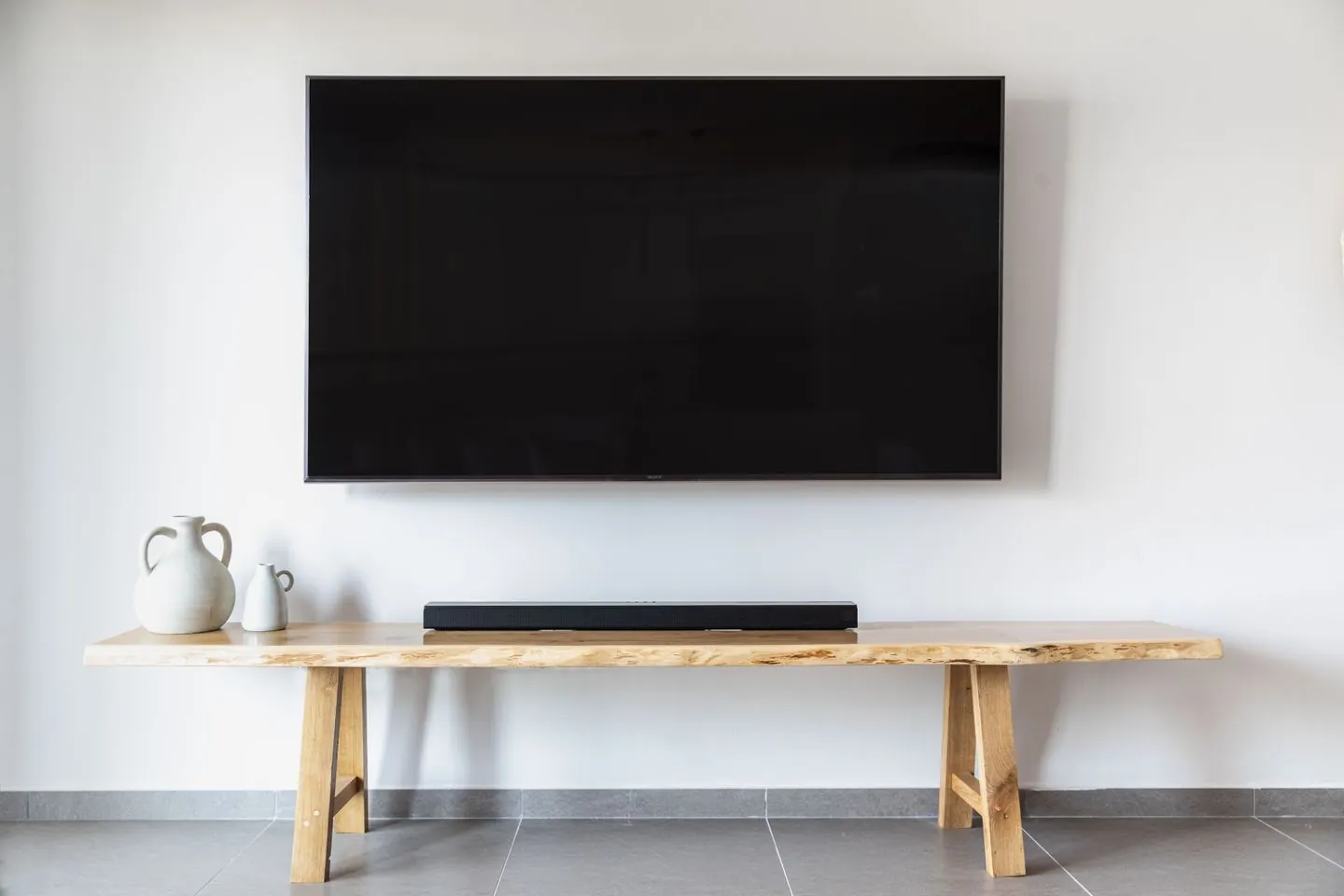
A black picture with sound on a streaming TV
Find whether one video format, the app, or the HDMI and display chain is failing.
 IPTVBlogs editorial desk ·
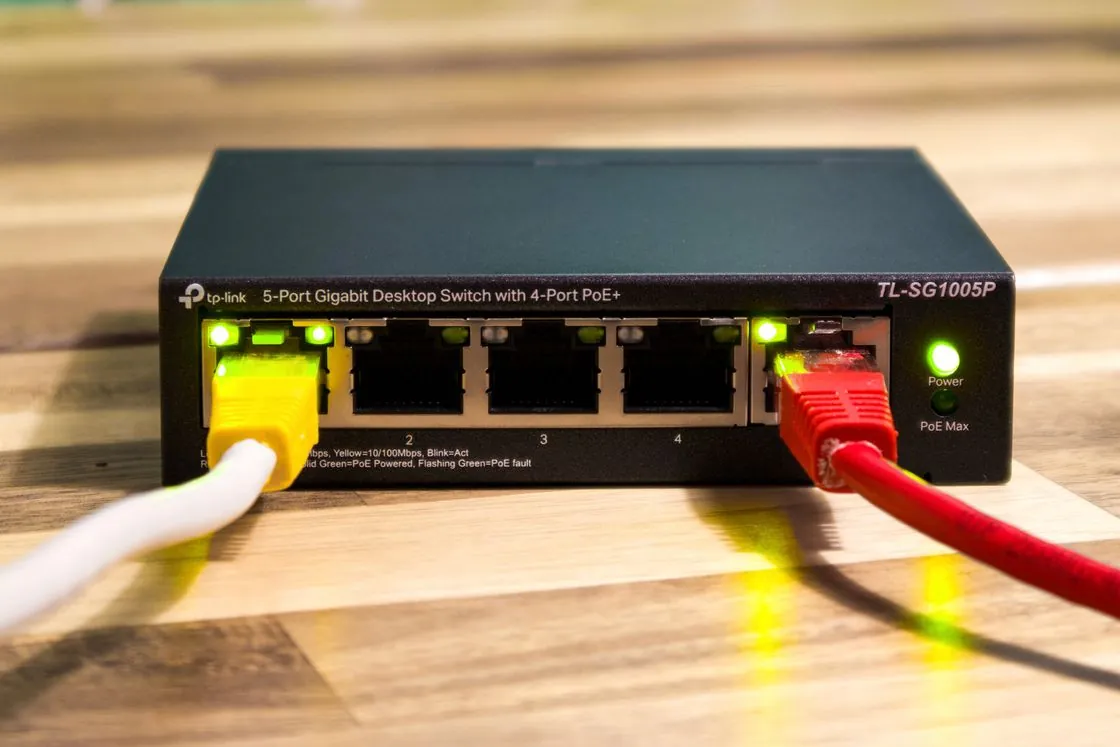
Compare the app interface and a second title
If the menus are visible and you hear programme audio, try one second authorized item. If both audio and video fail in another app too, inspect the television input and receiver path. If only the first title is black, keep the working app and check that title's format and app support.
A black film still has sound
Open a second authorized title. Record whether interface, captions and programme sound remain visible or audible when only the picture disappears.
Follow the checks →Change one output variable
For an HDMI device, check whether the source's normal TV output is visible. Temporarily use a supported basic output mode or connect directly to the television when safe and permitted. For a TV app, check whether the same title works in another supported player. Do not clear the original account until a smaller test shows why it failed.
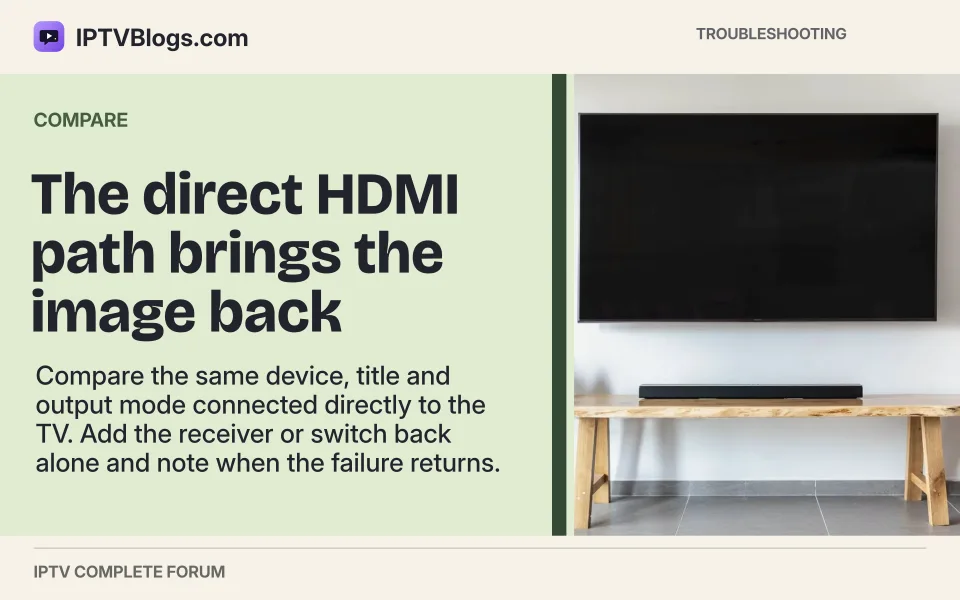
The direct HDMI path brings the image back
Compare the same device, title and output mode connected directly to the TV. Add the receiver or switch back alone and note when the failure returns.
Follow the checks →Report what stayed visible
Give the TV model, app version, video format if shown, and whether menus, captions and audio continued. Mention whether the fault follows the title or the device. Those observations distinguish a decoder or output issue from a stream that never opened.
Sources
Questions readers ask
Should I change the HDMI output or the quality in the streaming app?
Try the app rendition first if you want to test what the device is decoding. An HDMI output change can leave the stream itself unchanged. Record which control you used so a useful result can be repeated.