A live TV accessibility check you can do before match night
Test captions, spoken description, audio language and remote controls on the exact live feed the household plans to watch.
 IPTVBlogs editorial desk ·
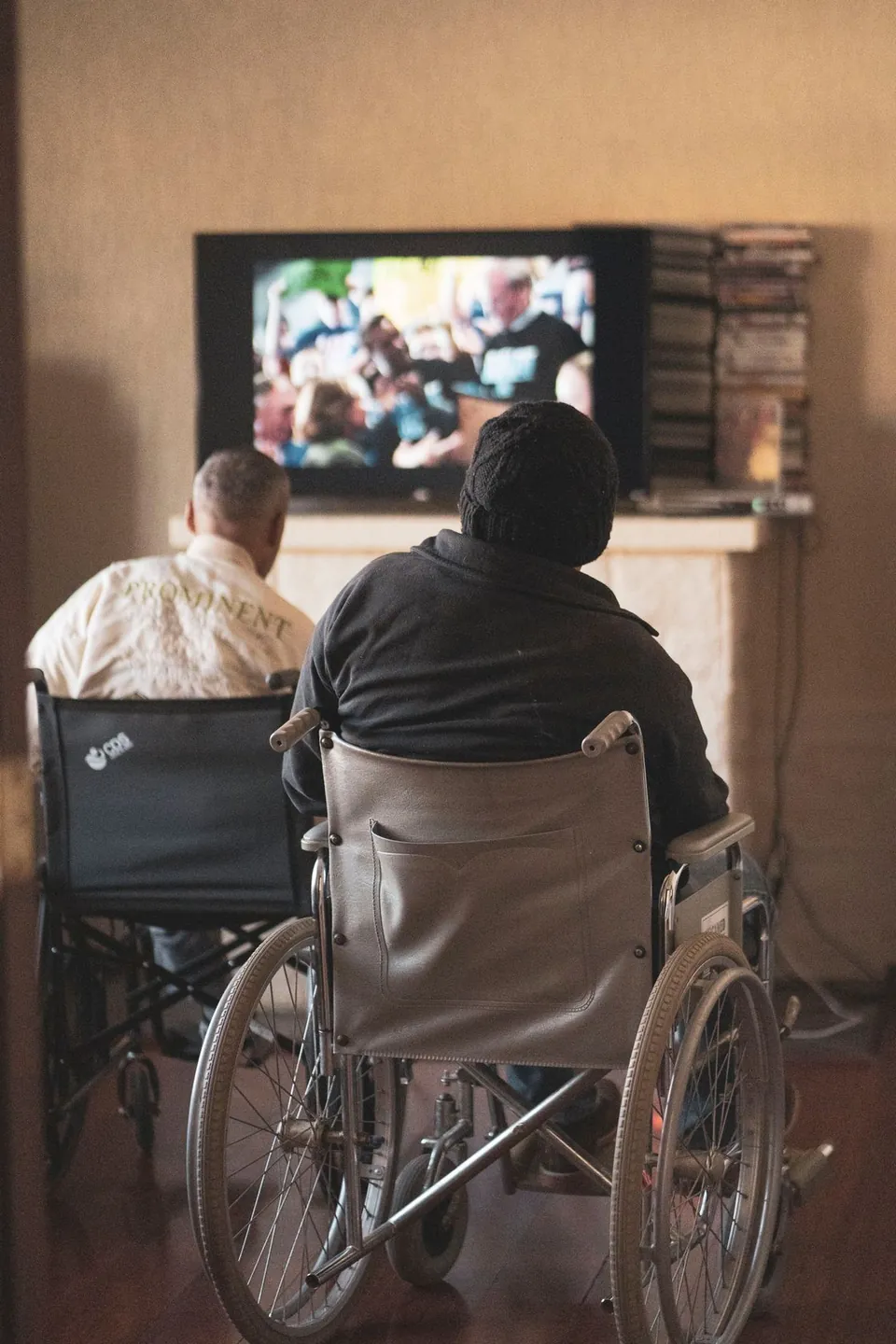
Choose a live feed the household actually watches. Turn on captions, listen for the desired language or audio description and hand the remote to the person who will use it. Leave time for a channel change, an ad break and a return to the programme. Those are the moments when a preference that looked fine in a menu can stop working.
Start with a line of dialogue
Pick a presenter whose voice and captions are easy to compare. Note whether captions appear at all, whether they describe meaningful sounds and whether they arrive close enough to the speech to follow. Live captions may arrive later than captions prepared for a recorded programme. If the delay makes the show difficult to follow, time two short lines and record the approximate difference.
A language option in the app's menu is a preference. The specific feed needs to carry the relevant track and the player needs to offer it. If a live channel has no captions, check an on-demand title in the same app with a known caption track. Then check the broadcaster's live player or published accessibility guidance. That gives you a useful path to asking whether this feed includes captions on the distributor you use.
Check for three separate kinds of audio
An alternate language, audio description and commentary are different choices. Audio description usually adds narration about relevant visual action. A second-language track may carry a different commentary team. Some live events use separate services or feeds for these options. Open the audio menu while the event is playing, write down the labels exactly and listen to enough of the broadcast to identify the track.
If you hear the desired track through the television speakers but lose it through a soundbar or receiver, keep the track selected and compare the two playback paths. Write down whether the sound stops entirely or falls back to a different track. A remote-control change made after switching inputs can also pick up a different audio default. Keep the recording of your test short and avoid sharing other viewers' information in a public thread.
Use the same buttons the viewer uses
Return to live television after opening the guide. Change to another channel, then return. Stop the app with the remote and reopen it. Check whether captions persist, whether a focus indicator is visible, and how many actions it takes to get back to the audio menu. If your box uses a long press or a pop-up, write the exact button and label on a small note near the remote. Test that note from the sofa.
On Apple TV, the device offers accessibility and caption preferences, while an individual app can expose controls during playback. If a preference works on one title and disappears on another, keep the exact title and source before changing the system-wide setting. For other devices, compare the publisher's app help with the screen you see. A guide for a phone or a web browser can have a different control path.
| Check | What to observe | A useful follow-up |
|---|---|---|
| Caption presence | A line of text appears during speech | Compare an authorized second feed in the same app |
| Timing | Text follows a known spoken sentence | Record two approximate delays with programme times |
| Alternate audio | The label and actual spoken language agree | Listen after a channel change and return |
| Audio description | A narrator adds information about the action | Check the accessibility schedule for that exact programme |
| Navigation | The viewer can get back to live TV alone | Try the same sequence after reopening the app |
| Readability | Type, contrast and position work from the seat | Try the device's supported caption appearance controls |
Leave a support report with a useful answer in it
“Captions on the 18:00 bulletin on the main feed were visible on the broadcaster's app. They were absent on the same TV when viewing through our other player. The recorded episode in that player had captions. The player version was 4.3.” This example gives the broadcaster and player developer something specific to check. Include the country, feed edition and date if you submit your own report. If you find a reliable alternate feed, share its official name so another viewer can find it.

Sources
Questions readers ask
Why are captions available on replay but missing during the live show?
A live feed and replay can carry different caption tracks. Test a known captioned title in the same app and the official live feed where available. Record the exact broadcast, region and whether the caption control itself was present.
How do I tell audio description from alternate commentary?
Listen for a narrator describing relevant on-screen action. A different commentary team or spoken language can appear as a separate track. Check the broadcaster’s accessibility notes and play the exact programme before relying on the setting.