
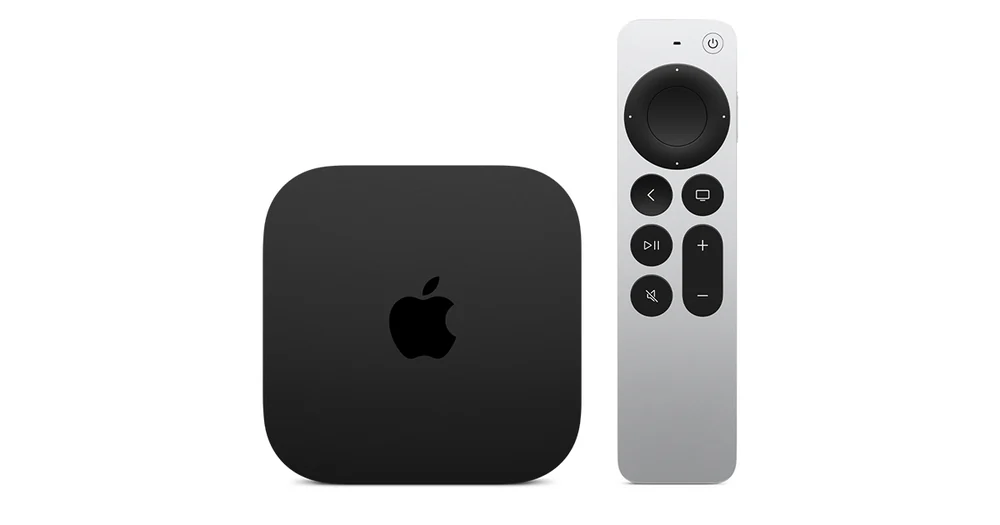
Use the App Store on the Apple TV 4K box
Apple TV 4K is the hardware. The Apple TV app is a programme and subscription interface that also runs on some other devices. On the box, use its App Store to find the service’s tvOS app and verify the publisher. If an app appears on an iPhone, check the separate tvOS listing or ask the publisher. Compare names and icons carefully before signing in or paying.
Check the format change deliberately
Start with one known SDR title and one live channel. If you change video format or enable a content-matching setting, test those same items again and observe when the screen goes blank. A brief input resync during a format switch is a different symptom from a repeating pause after a stream starts. Record the Apple TV model, display model and connection path through any receiver.
Isolate the source and the audio chain
Use a known stereo item to check your default output. If the sound works there but one channel loses dialogue, try that channel’s alternate audio track. When the problem appears only through a receiver or soundbar, test the TV speakers once and put the system back the way you found it. The result helps you decide whether to ask the publisher about the track or the hardware maker about the audio route.