Correct a consistent audio delay on a Fire TV Cube
Use Fire TV’s AV Sync Tuning only after checking whether the delay affects several apps and the same audio output.
 IPTVBlogs editorial desk ·
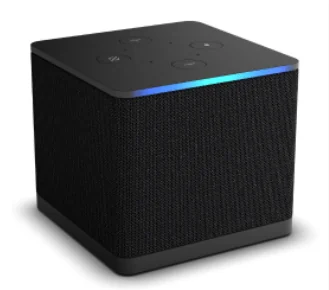
Check where the delay appears
Choose a scene with a visible clap or a clearly spoken consonant. Replay it in the app where you first noticed the delay, then test a second app. On a third-generation Cube, also note whether the affected picture comes from a Fire TV app or a source entering the Cube’s HDMI input. Try the TV speakers once if the delay normally appears through a soundbar. These checks establish which playback path needs adjustment.
Set a single correction
Fire TV’s display and sound settings include AV Sync Tuning on supported setups. Use the on-screen visual and sound guide to move the slider in small steps, then replay the original scene. Leave any separate receiver delay unchanged during this test. If just one channel still drifts while the test signal and other apps stay aligned, restore your normal setting and tell the streaming service which feed and time were affected.