Fire TV Stick 4K Max remote won’t pair
Identify the Alexa Voice Remote, restart the Stick, and use Amazon’s matching reset sequence only if normal pairing fails.
 IPTVBlogs editorial desk ·
Establish that the stick has started
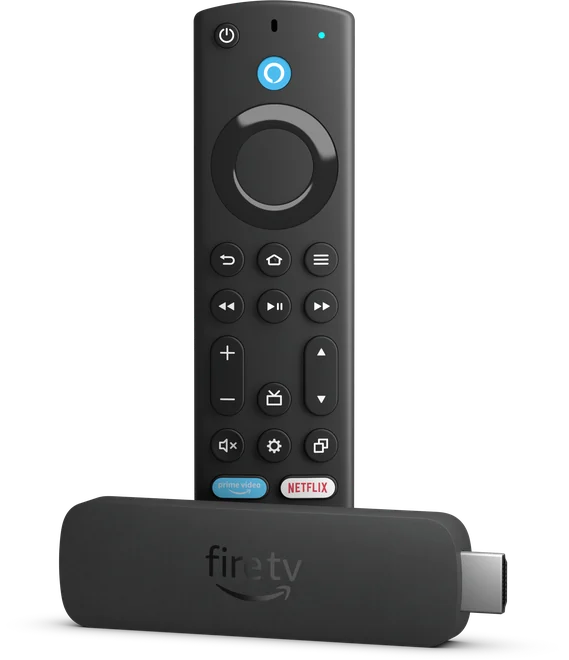
Use the TV’s own remote to select the HDMI input where the Fire TV home screen should appear. Check the Stick’s power first if the display says there is no signal. Once Home is visible, fit fresh batteries in the Alexa remote and move close to the Stick. Hold Home to attempt pairing. If the TV’s power or volume keys respond while the Fire TV menu stays still, the remote may be controlling the television over infrared while its Fire TV connection needs attention.
Match the reset steps to the remote
Amazon documents different reset sequences for different remote generations. Use the official diagram to identify yours before pressing a combination. After a reset, bring the remote near the Stick and let the Fire TV boot far enough to show the pairing prompt. If a compatible phone app is already connected to the same home network, use it temporarily to check whether Fire TV can see a new remote.