Make a lost Google TV Streamer Voice Remote ring
Use the button on the Streamer to ring a paired Voice Remote. Check the remote’s batteries if it stays silent.
 IPTVBlogs editorial desk ·
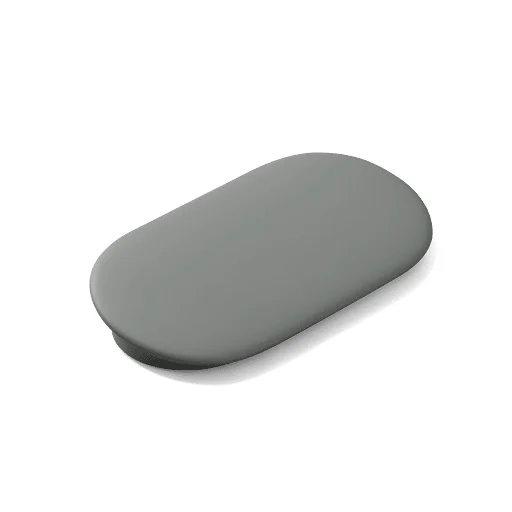
Ring the remote from the device
On a powered Google TV Streamer, find the physical button on the back and press it to start Find My Remote. Listen for the sound near cushions, furniture and the TV. A paired Voice Remote can ring without being visible to the television. Press any button on the remote once you find it. Google also describes voice and screen-menu methods if those controls are already accessible.
Check whether the remote can still connect
If the ring does not start, verify the Streamer is on. A remote with flat batteries or one no longer paired may stay silent. If you have a second controller or a connected phone remote, open the remote settings and check which physical remote the Streamer recognises. If a replacement is required, confirm that it supports the same Streamer and pair it using Google’s instructions. The physical button described here belongs to the Google TV Streamer hardware.