
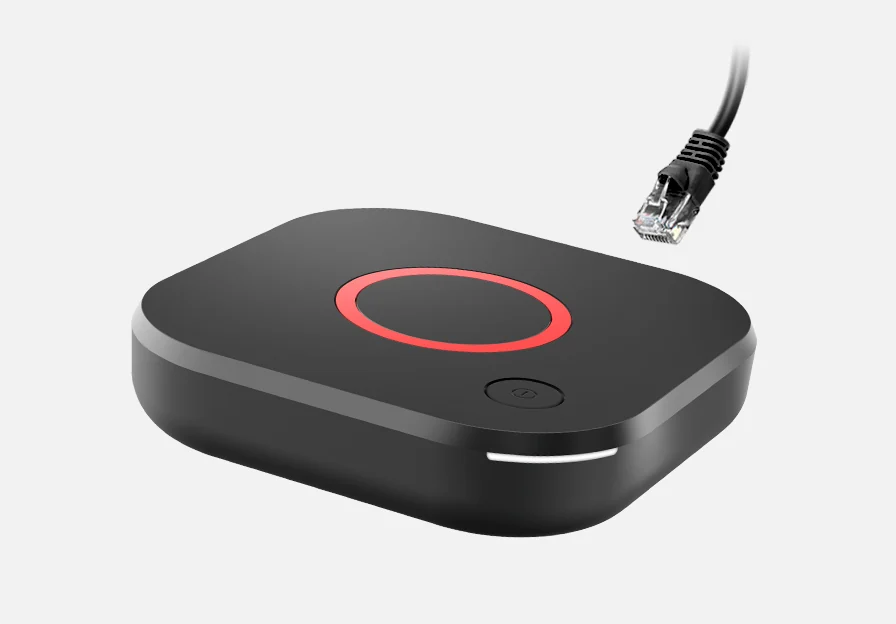
Identify the MAG variant first
Infomir’s MAG544 family includes MAG544 and MAG544w3. Check the underside label and compare the specification for that exact variant. Use Ethernet as the first setup path when you have it. Confirm the box reached its own network screen before adding a service. Take care to crop identifiers from any photo of the label you share.
Use the service’s issued portal
A service that supports your box should tell you the authorised portal address and whether it needs to register the device privately. Enter only the address it issued. Do not copy another customer’s portal URL or device identifier from a screenshot. If the portal menu is absent or the home screen has been customised by an operator, ask that operator which firmware and setup instructions apply to the box.
Identify which screen fails
A black screen before any menu is visible points to power, input or display configuration. A visible menu with a portal error narrows the issue to the connection or account provisioning. If the channel list loads but a channel fails to start, compare a second authorised channel and note the exact wording. Give support the model and time. Share any necessary device identifier only through its private support channel.