
Start at the television’s Apps tab
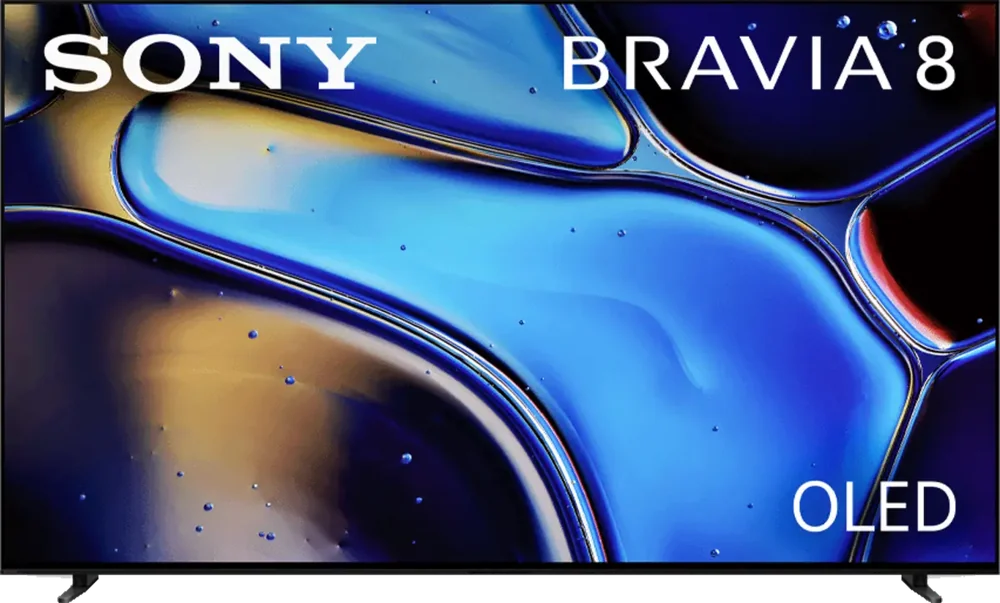
The K-65XR80 is a BRAVIA 8 OLED model. Sony’s BRAVIA Help Guide uses a Google account and an internet connection for app installation. Open the TV’s Apps area, find the supported listing, and install from there. If you normally watch through a box on HDMI, use the TV remote’s Home button first so you can tell which system’s store you are browsing.
Compare the built-in app and external input
If the Sony app buffers, run the same authorised service on an external streamer or phone while keeping the home network constant. If the picture fails only on HDMI, check the external device’s resolution and connection and return to a known working input. If the TV app fails while a box on the same screen works, write down the TV app and software version before reinstalling. You can report the failure without guessing which device is at fault.
Test captions and audio with a known scene
Choose a programme with recognisable dialogue and a caption track. Open the app’s own controls, select a language and check whether the choice persists when you change channels. Compare built-in speakers with the connected audio system if voices are missing. Start with the app’s controls so you can distinguish a missing source track from an output routing issue.