Before resetting an app, write down the device model, current app version and where its licence was purchased. Check whether the player keeps groups and favourites in an export, syncs them through an account or stores them only on the device. A working list of favourite channels can take longer to restore than the app itself.
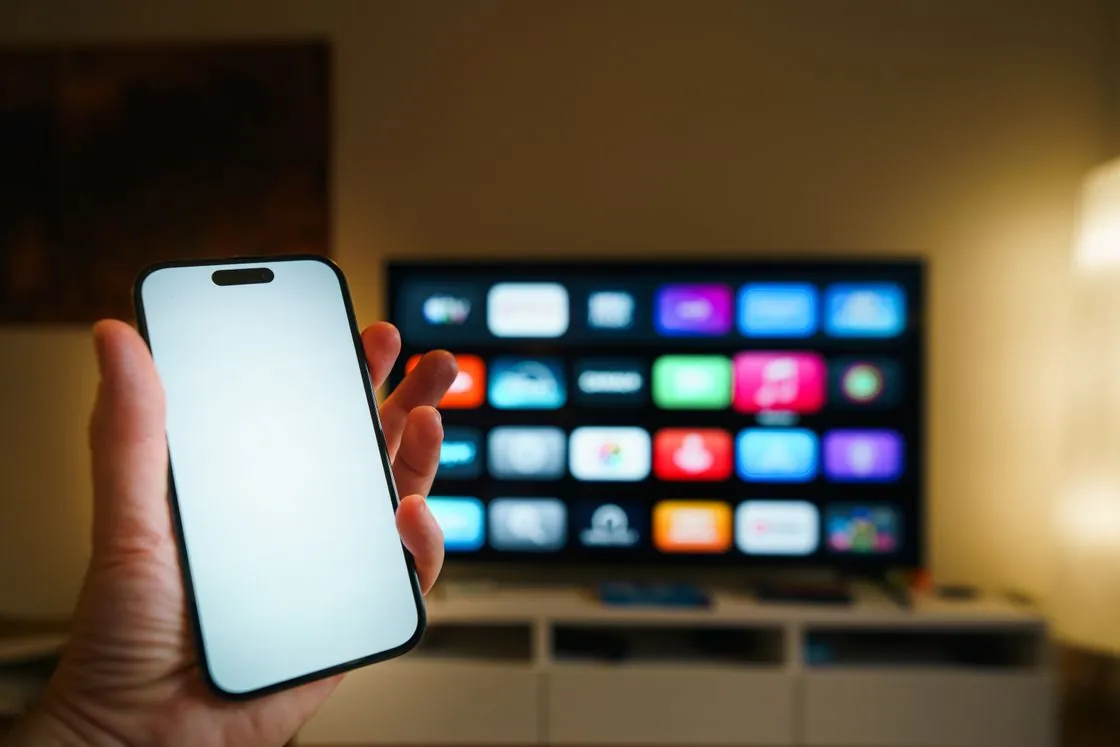
If there is a supported spare device, open a permitted test channel on it after closing the old session if required. Check the exact regional edition, the programme guide, caption size and the audio track used by the household. Leave the old app installed and keep the backups private until the new setup passes a second normal session. For a TV that starts from standby every day, include standby in that check.
The point of a backup is to recover something specific. Keep track of the store purchase and the playlist source as separate records. A licence restore can give you a paid player without restoring any channel list, and a playlist can return without its custom guide mappings. If a reset becomes necessary, check the recovery steps in the app publisher’s documentation first. Keep credentials, QR codes and any private export out of a public thread.