Why Apple TV goes black for a moment between videos
Use two familiar titles and one reversible setting change to tell an HDMI format switch from a genuine signal fault.
 IPTVBlogs editorial desk ·
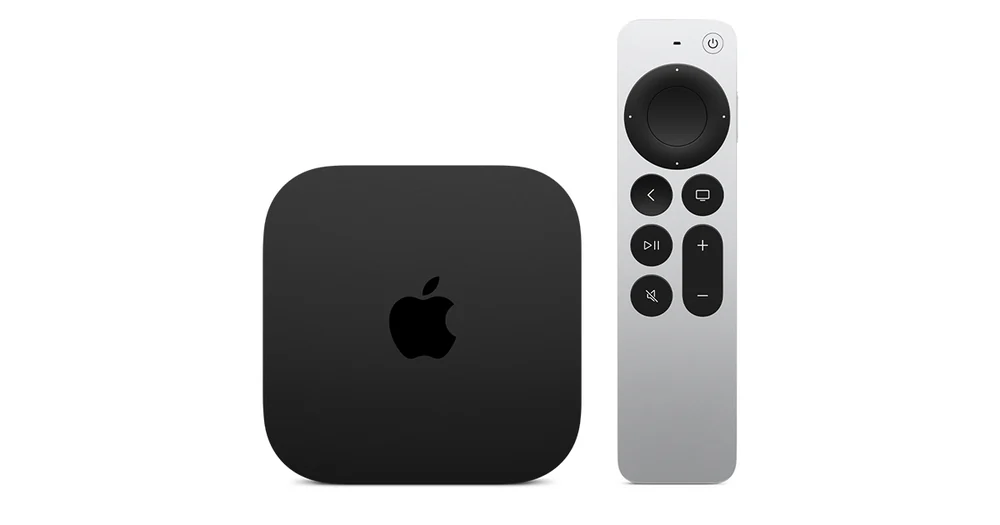
A brief black screen just as a title starts can be the television switching to a different signal from the Apple TV. If the picture returns and stays put, find out which format change causes it before you replace a cable or reset the box. A signal loss that comes back in the middle of a scene deserves a different test.
Run one SDR title and one HDR title
Use two programmes you already know play, preferably in the same app. Start with a normal SDR title and then choose an HDR title the app labels clearly. Keep the Apple TV on the same HDMI input, through the same soundbar or receiver. Note when the TV goes black: at Play, in the middle of a scene, on Pause, or when you back out to Home. If the TV shows a small HDR or Dolby Vision banner just after the blank screen, write that down too.
Go to Settings → Video and Audio → Match Content. Photograph or write down your existing switches. Temporarily turn off Match Dynamic Range and repeat the same two starts. Then restore it and repeat with only Match Frame Rate off. The one change that removes the transition tells you which switch the television is reacting to. If the home screen remains stable throughout, that is useful evidence as well.
| What happens | What to do next |
|---|---|
| Brief blank when the HDR title starts, then normal playback | Decide whether you prefer the original dynamic range or fewer transition blanks |
| Blank at start of one title, then repeats inside the same scene | Check the HDMI chain and try a second title at the same output format |
| The TV reports No Signal after every format change | Establish a stable output by checking the connection and bypassing the receiver for one test |
| The TV loses the picture even on Home | Follow Apple’s black-screen checks before investigating the player app |
Keep the rest of the chain fixed
If you have a compatible 4K television, Apple offers Check HDMI Connection under Video and Audio. Run it on the same input you normally use. A failure is a reason to compare a known-good cable or port. For one additional test, connect the Apple TV directly to the television and use its speakers. A problem that disappears on the direct connection gives you a useful lead about the removed equipment or the second cable.
Put back the settings that work for your room
Restore the original Match Content switches unless you want a specific trade-off. Run the SDR title and HDR title one last time after reconnecting the receiver. If you report the problem, say which title, output format, TV input and connection path produced it. A note that says “one brief blank at every HDR start” is much easier to act on than “my Apple TV keeps flashing.”