Switch Apple TV 4K between Ethernet and Wi-Fi
An Ethernet-equipped Apple TV automatically uses its cable. Disconnect it before checking which Wi-Fi network the box can join.
 IPTVBlogs editorial desk ·
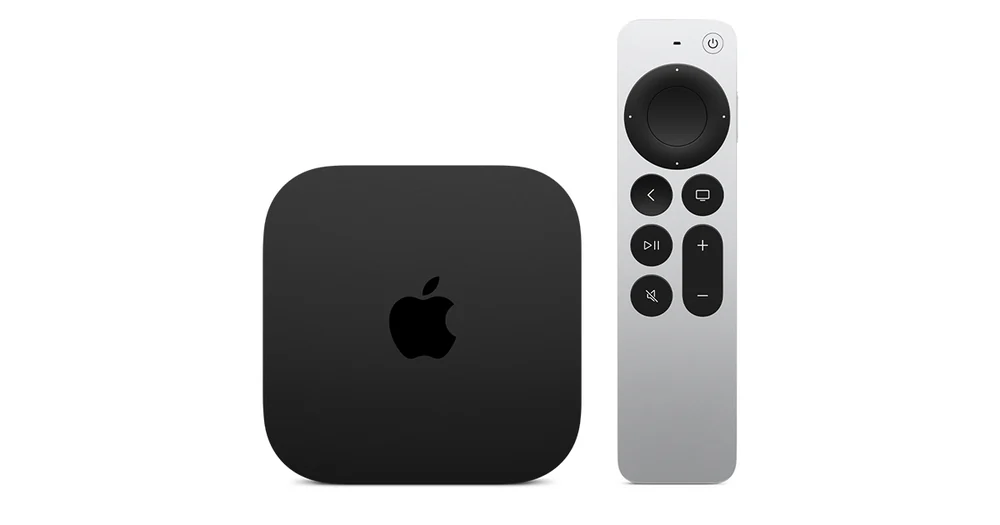
Start with the model and cable
Some Apple TV 4K models have Ethernet. Check the back of the box before following wired instructions. If you connected a working Ethernet cable, Apple TV uses that connection automatically. Unplug it when your goal is to join or test Wi-Fi. Open Settings and Network, then select your home Wi-Fi if it appears. Keep any wireless credentials away from photos of this screen.
Compare without changing the stream
Use a short programme and note its start time over the wired connection, if your model supports it. Repeat on Wi-Fi at the same quality. If both tests fail before the app loads, restart the Apple TV and the relevant network equipment. If Wi-Fi alone fails, check router reach and the network name. If the box cannot join a network you have used before, confirm the current password before forgetting the saved connection.