Send television audio to HomePod through Apple TV 4K
Use the television’s ARC or eARC port and a compatible Apple TV 4K when you want HomePod to play sound from other TV inputs.
 IPTVBlogs editorial desk ·
Connect the right Apple TV to the return-audio port
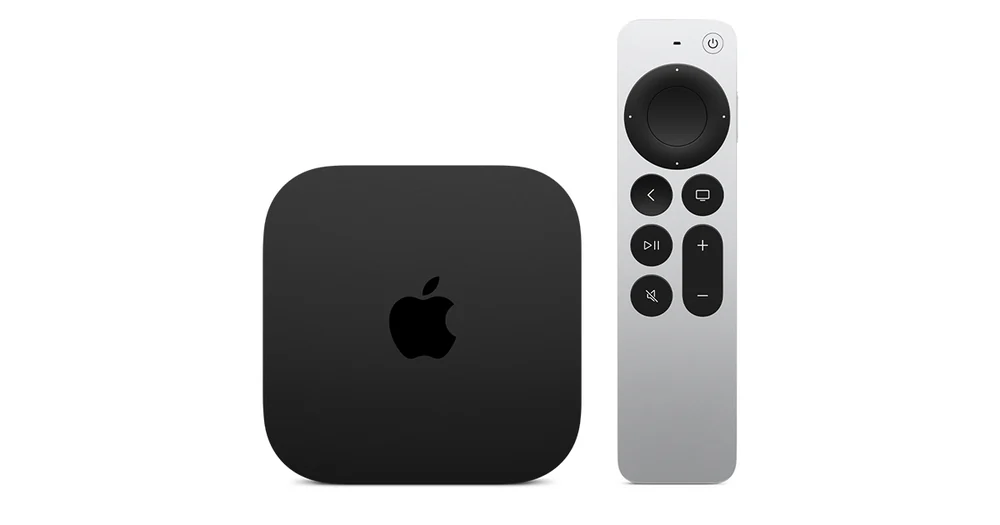
Apple documents ARC and eARC TV audio with Apple TV 4K from the second generation onward. Connect it to the television’s HDMI port marked ARC or eARC and enable the relevant HDMI control and return-audio settings on the TV. In the Home app, put the HomePod speaker and Apple TV in the same room. Choose the HomePod as the Apple TV’s default audio output before setting up television audio.
Verify one external source
On Apple TV, use Video and Audio, Audio Output and the option to play television audio if it appears. First play something on Apple TV and confirm the HomePod output. Then switch the TV to a different attached source or its own app and check whether its sound follows. If the first test passes and the second fails, focus on the ARC or eARC port and TV settings. Recheck the TV’s source selection before changing the HomePod setup.