Pair or restart the Siri Remote for Apple TV 4K
Bring the remote close to the Apple TV box and try pairing. Restart the remote separately when its connection has become unreliable.
 IPTVBlogs editorial desk ·
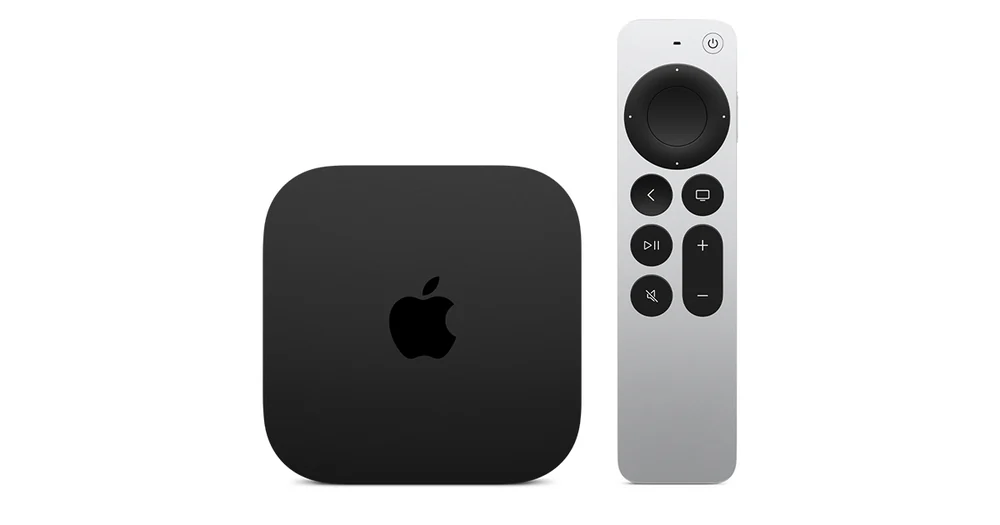
Pair beside the Apple TV
Charge the Siri Remote, bring it close to the box and hold Back and Volume Up for about five seconds. Models with a Menu button use Menu in place of Back. If the television asks you to place the remote on top of the Apple TV, follow that prompt. Apple advises unplugging the box briefly and trying the pairing sequence again if the first attempt fails.
Restart the remote when it is already paired
If the menu responds intermittently, hold TV/Control Center and Volume Down together until the Apple TV status light switches off and back on. Release both, wait for the remote connection notice, then use a button to reconnect. Test navigation and volume individually. Navigation working while volume is silent gives you a separate reason to check the television or receiver’s volume-control route.