Fix missing dialogue on Apple TV 4K with a stereo test
Use Apple TV’s two-channel PCM option to test the output path. Restore the normal format after identifying which track or device fails.
 IPTVBlogs editorial desk ·
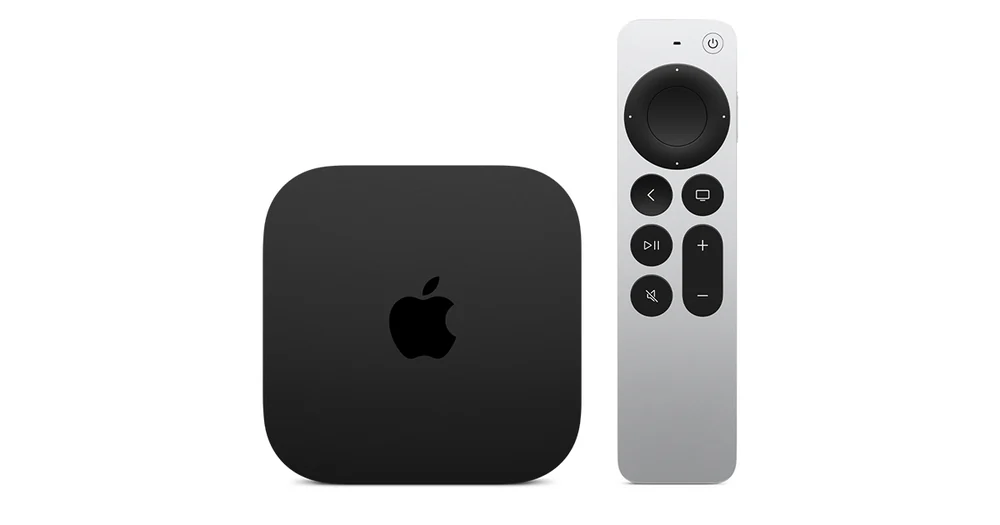
Separate the programme track from the speakers
Play a title that normally has clear dialogue. If it sounds fine, try another audio track on the problem title and check what the receiver reports. If voices go missing on several titles using surround but stereo works, note the Apple TV’s route to the television, receiver or soundbar. A receiver connected directly to the box can see a different set of formats from one reached through the TV’s return channel.
Test two-channel PCM temporarily
Apple TV 4K normally chooses an available audio format. In Video and Audio settings, use the audio format controls to choose Stereo Only where available. Apple describes this output as uncompressed two-channel PCM. Replay the same scene. If the voices return, check the devices and HDMI path for the surround format that failed, and restore the earlier setting before judging its performance on other titles.