Use the SHIELD TV Pro split-screen demo to judge upscaling
Compare Basic and AI-enhanced output with a known scene and decide whether the added sharpening helps on your TV.
 IPTVBlogs editorial desk ·
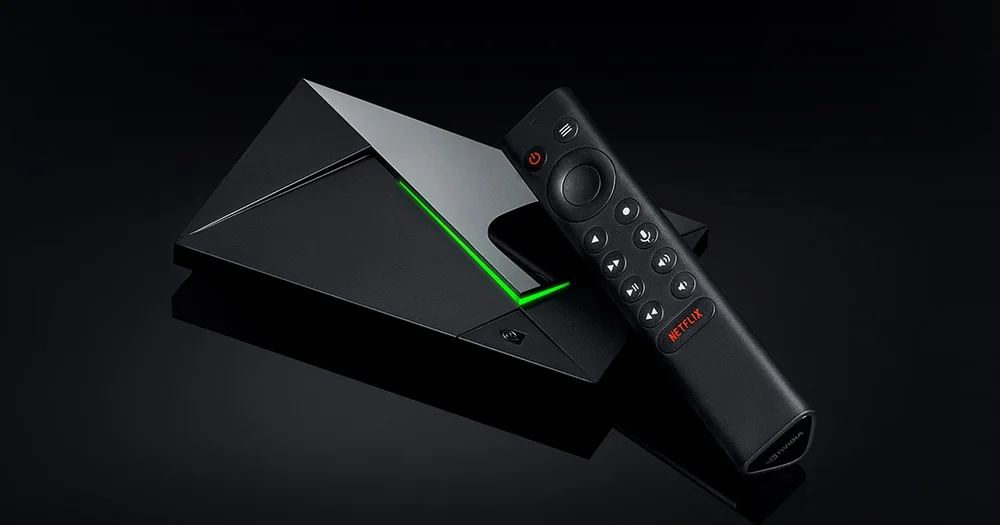
Use NVIDIA’s side-by-side demo to see whether SHIELD upscaling improves the programme on your own TV. It can change how a supported lower-resolution image looks on a 4K screen. The result can make edges easier to read or make compression artifacts more obvious. Check source resolution separately in the app’s playback information where available.
Pick footage where a difference is visible
Use one authorised lower-resolution programme with a clean close-up or readable signs. Try a second sample with fast movement or visible compression. Leave the display in the picture mode you normally use. If you also change the TV sharpness or the streamer resolution, you will no longer be judging upscaling alone.
Open the SHIELD’s upscaling settings and identify the Basic, Enhanced and AI options available on your model. If the unit shows a demo control, use it to compare the halves on the same frame. Read the description for your model and software. NVIDIA lists specific resolution and frame-rate limits, and its SHIELD TV Pro specification differs from general guidance for other units.
| Look at | Keep the setting when |
|---|---|
| Faces and hair | Edges read more clearly without unnatural outlines |
| Text in a fixed shot | Letters become easier to read at your normal seating distance |
| Grass, crowds or water in motion | The extra detail stays believable instead of making compression shimmer |
| A high-quality source you already like | The chosen mode leaves it looking consistent |
Understand what the status message means
If the AI option is unavailable for a particular programme, compare a second eligible lower-resolution clip. NVIDIA describes conditions that can turn off AI processing. Check the incoming content characteristics against the documented conditions. The TV’s input banner shows the signal it is receiving from SHIELD, which can be 4K even when the programme is being upscaled.
Return to Basic or to your original setting after the comparison if you prefer the less sharpened picture. Recheck a bright, moving scene at your normal seating distance. A freeze, intermittent black screen or repeating buffering should be diagnosed separately. Upscaling is a picture choice and cannot make a delivery path more reliable.