
Set up a wired control test
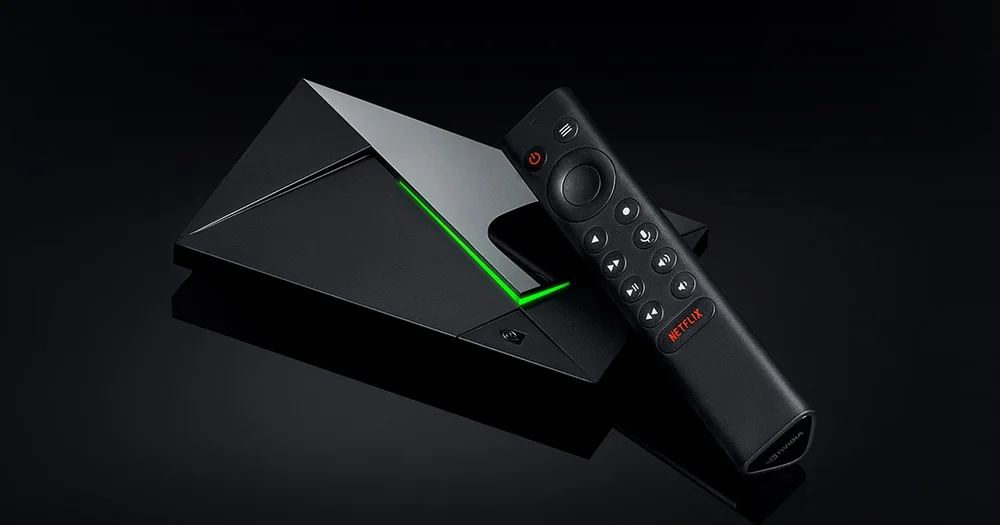
NVIDIA’s SHIELD TV Pro specifications list Gigabit Ethernet. If the player pauses, run an Ethernet test with the same app, programme and quality you used on Wi-Fi. Record the time and whether a known-good streaming app can play at the same moment. A clean wired result directs attention to the wireless path. Similar failures across both networks call for an app or source check.
Trace the audio through each component
The SHIELD’s capabilities depend on the media, playback app and the TV or receiver on the other end. Play a basic stereo track first and compare direct TV sound with your normal receiver or soundbar setup. If problems start only after choosing a surround track, note the format shown by the app and the receiver. Preserve one working audio configuration while you test the next.
Treat judder and buffering as different observations
If motion looks uneven but the programme clock keeps moving, choose a clip with a visible camera pan and compare the display refresh and player settings. If the programme pauses and resumes or the player shows a loading indicator, document network and source conditions. Record your SHIELD firmware, app build and one example of each symptom for the app publisher.