

Netflix
The film one profile can’t find
Keep the TV and search title the same. If only one profile finds the film, check its maturity setting and blocked titles.
On-screen check
IPTV Blogs / Field desk
Does the film show up on another Netflix profile? Keep the TV and search title the same. If only one profile finds the film, check its maturity setting and blocked titles.
Keep the TV and search title the same. If only one profile finds the film, check its maturity setting and blocked titles.
On-screen check
On the title page, read the button beside the version you want. A rental, a channel trial and a film included with Prime lead to different checkouts.
On-screen check
Open the rental in Library and read both time limits. Once playback begins, the remaining viewing window can be shorter than the original rental period.
On-screen check
Check the seller on the last receipt. If Apple billed you, look in Apple subscriptions under the account on that receipt.
On-screen check
Open Audio & Subtitles on the film itself. Select the description track in your language and listen through a scene without dialogue.
On-screen check
Disconnect the device from the network and play a few seconds from Downloads. Check the expiry notice while you can still reconnect.
On-screen check
Check the title badge, account setting, playback device and the display it feeds. A 4K television alone tells you very little about the active stream.
On-screen check
A guide entry has a scheduled start. Look for the same episode in On Demand if you want to begin at the opening scene.
On-screen check
Check the local lineup for your home ZIP code. Compare the call letters with the station that actually produces the bulletin.
On-screen check
Open Library for purchases on the correct Apple Account. A Watchlist entry can point to a film that still requires payment or a subscription.
On-screen check
Look for the signed version of the episode in the programme listing. Check it on the device you plan to use before settling in.
On-screen check
Open its listing in the relevant language edition. Read the subtitle choices and expiry date on that film’s page together.
On-screen check
Look at the version label. A recording in the library and an on-demand copy of the same episode can carry different ad controls.
On-screen check
Look for captions or an SDH label when you need cues such as music or a doorbell. A translation subtitle or an alternate audio track serves a different need.
On-screen check
Check the ITV1 live region against the programme you expected. Recheck the regional setting before troubleshooting the television.
On-screen check

Match your browser and operating system to Netflix’s requirements. Repeat the check on the same title with a direct display connection.
On-screen check
On an eligible film, check Versions for IMAX Enhanced. The picture choice and the sound format have their own device requirements.
On-screen check
Select a game pane to follow its sound. The games offered for multiview depend on the available combinations and your device.
On-screen check

Check whether the channel came from Plex’s free live lineup or your tuner. Recording a local station depends on that tuner setup.
On-screen check
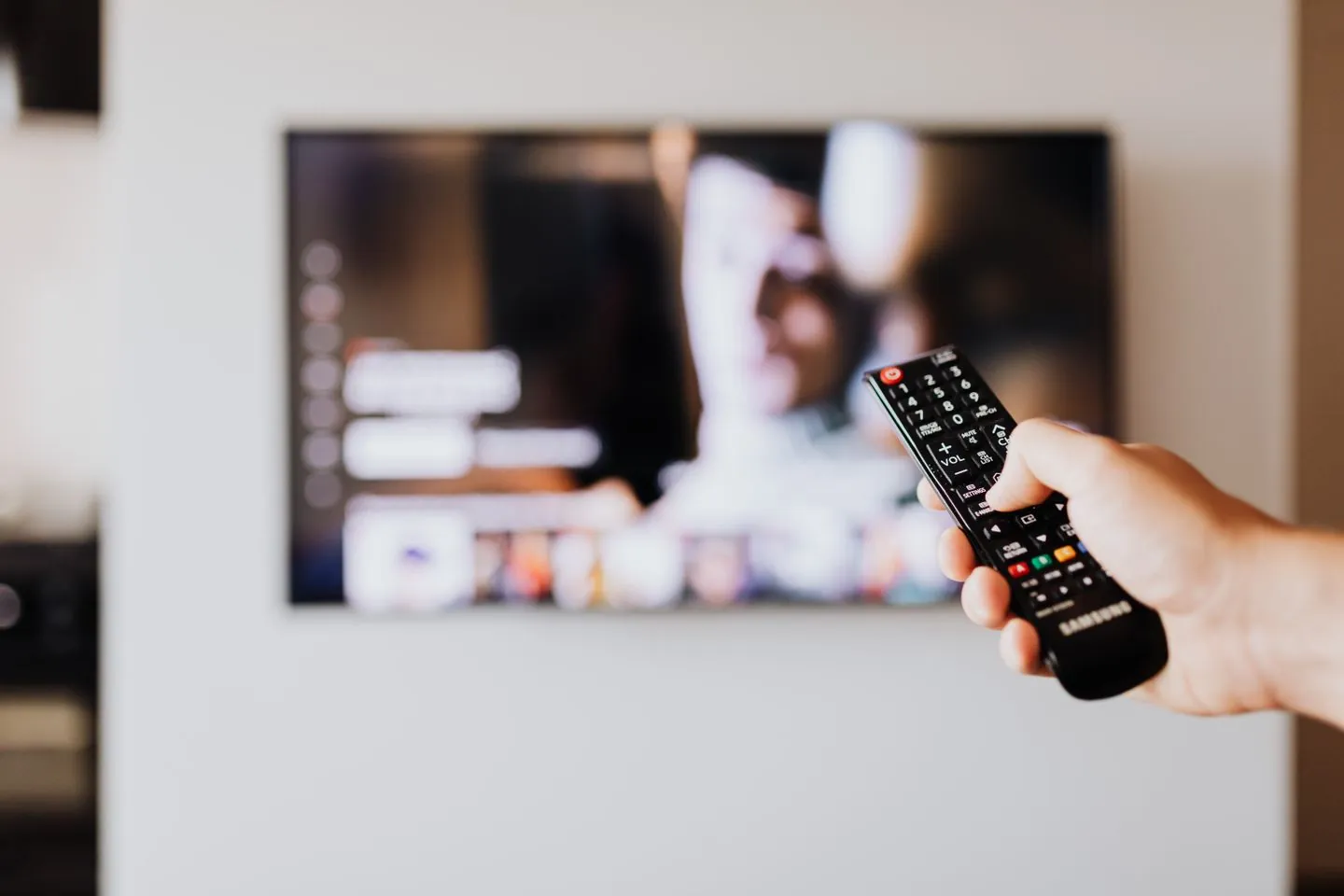
Play the same scene on the TV and web. Depending on the device, caption appearance may follow the television’s accessibility controls.
On-screen check
Open the episode’s audio choices. A language shown elsewhere on the series page may apply to a different episode.
On-screen check
For a temporary stay, check Current playback area. Compare its local lineup before changing the household’s home area.
On-screen check
Open the event and its checkout under your own account. Read the purchase terms and replay window before confirming.
On-screen check
Find the scheduled game in My Stuff. Start from its recorded entry and check the playback choice before entering the live channel.
On-screen check
Test the archived video at the same timestamp. The caption track made for the replay can differ from the one you saw live.
On-screen check
Open the film while signed in. Its database entry and your watchlist can outlast the period when MUBI can stream it locally.
On-screen check
Read the format on the fixture, then check your plan and television against Stan’s 4K requirements. Another match can use a different feed.
On-screen check
Read the button on each version. A film in the live guide follows a schedule, while the store and free catalogue have their own playback terms.
On-screen check
Read the event’s own terms. Ads built into a live broadcast can remain even when your account has the Ad Free option.
On-screen check
Check your US plan’s live-station terms and your local station. A CBS episode in the on-demand catalogue answers a different question.
On-screen check
Favourite the channel to find its schedule again. Add a film or series to Watch List when you want its on-demand listing.
On-screen check
Read the billing receipt. A subscription sold through a partner can require playback in that partner’s app.
On-screen check
Read the audio languages and subtitle languages separately on the title. Check the player on the television the family will use.
On-screen check
Switch to the child’s profile, try opening the adult profile and check whether it asks for the parent PIN.
On-screen check

Search for the opponents and event date. Read the title and running time to separate the full replay from highlights.
Official service reference

Open Live TV, then find the channel by name. Write down the next programme’s start time before leaving the guide.
Official service reference

Open the individual episode and check its audio and subtitle choices. The interface language alone does not identify the soundtrack.
Official service reference

Start from Viaplay’s country selector. Look up the title on that market’s own catalogue before choosing a subscription.
Official service reference

Find the match card with both teams and the right date. Inspect its feed or audio choices before sharing the listing.
Official service reference

Use the state or territory label on the ABC News bulletin. Check the edition date before comparing it with the national ABC NEWS stream.
Official service reference

Enter your viewing ZIP code in Sling’s local-channel lookup. Match the results against the station’s call letters.
Official service reference

Search the exact programme and choose Save. Open its show page to see which airings or episodes are available to you.
Official service reference

Open Paid memberships under the account used for payment. Read the membership name before assuming it also covers a separate television product.
Official service reference

Open the precise season and episode. Read the available languages there, especially where a translated title appears in search.
Official service reference

Use the filter to find the programme, then open its playback options. Compare its audio list with the subtitles you need.
Official service reference

Choose the relevant language on aha and search the original title. Match the cast or artwork when two films share a translated name.
Official service reference

Check the label and running time on the fixture tile. A Mini condenses the action, so choose the full replay to start from the opening whistle.
Official service reference

Choose your country on SkyShowtime before opening the film. Save the title page in that edition so a link sent from abroad points to the right place.
Official service reference

Check the channel against the package associated with the signed-in Sky account. Then try the same live listing again.
Official service reference

Find the match in the UK sports guide, then compare its channel with the membership shown in your account.
Official service reference

Open the programme’s full page and compare cast, release year and episode count. A shared title can hide a different production.
Official service reference

Read the episode title and synopsis alongside its number. Specials or combined stories can make a number alone a poor bookmark.
Official service reference

Open its individual film listing. Shudder TV follows a programme in progress, so the live tile may begin partway through.
Official service reference

Read the channel’s dated guide. Look up the show separately if you want a catch-up episode you can start later.
Official service reference

Choose the service country first. Compare the exact channel spelling and your plan on that country’s list.
Official service reference

Open the episode under the correct regional service. Inspect subtitles in the player and keep the episode number with any support question.
Official service reference

Check the actors and episode count on the drama page. Use the original title where a translated name returns more than one series.
Official service reference

Open subtitles on the episode you are about to play. A series can be easier to find by its alternate title, but translations vary by episode.
Official service reference

Look up the channel and original transmission date, then open the programme page for the episode. Save the dated entry rather than the live channel.
Official service reference

Read the availability notice on the individual episode and compare its date with your plan. Record the episode title when checking an expiry.
Official service reference

Open your customer area under the subscriber account. Check the package and distributor before changing access for the household.
Official service reference

Check the French episode name, season and synopsis together. Use the series page to distinguish an episode from its excerpt.
Official service reference

Open the show page and compare the dated episodes with extras. The runtime will usually distinguish a full episode from a preview.
Official service reference

Open the programme page and compare the episode’s date and title with the weekly guide. A live channel link simply returns to the current programme.
Official service reference

Read the title’s play or rent action and confirm the price if a rental is offered. Use the account that received the purchase confirmation.
Official service reference

Read the runtime and credits. A collection can place interviews, introductions and trailers alongside the full feature.
Official service reference

Open the series page and compare the episode order with the standalone film’s credits. Keep the exact title when asking about a listing.
Official service reference

Follow the creator link on the video page. Use the channel’s own catalogue to tell a full episode from a trailer or a similarly titled upload.
Official service reference

Choose your library or university, sign in and open the film there. Access and borrowing rules follow the participating institution.
Official service reference

Check the channel’s Videos tab for a past broadcast. A short clip captures only a selected moment of the stream.
Official service reference