

Features & field reports
Live TV stalls after ten minutes
Start one live channel, mark the first freeze, then replay the same test on a wired connection. Keep the programme and device the same.
IPTV Blogs / Field desk
What should I time when live TV stops ten minutes in? Start one live channel, mark the first freeze, then replay the same test on a wired connection. Keep the programme and device the same.
Start one live channel, mark the first freeze, then replay the same test on a wired connection. Keep the programme and device the same.

A film player can fetch farther ahead. At the live edge, the next piece of a programme may still be arriving when the player needs it.
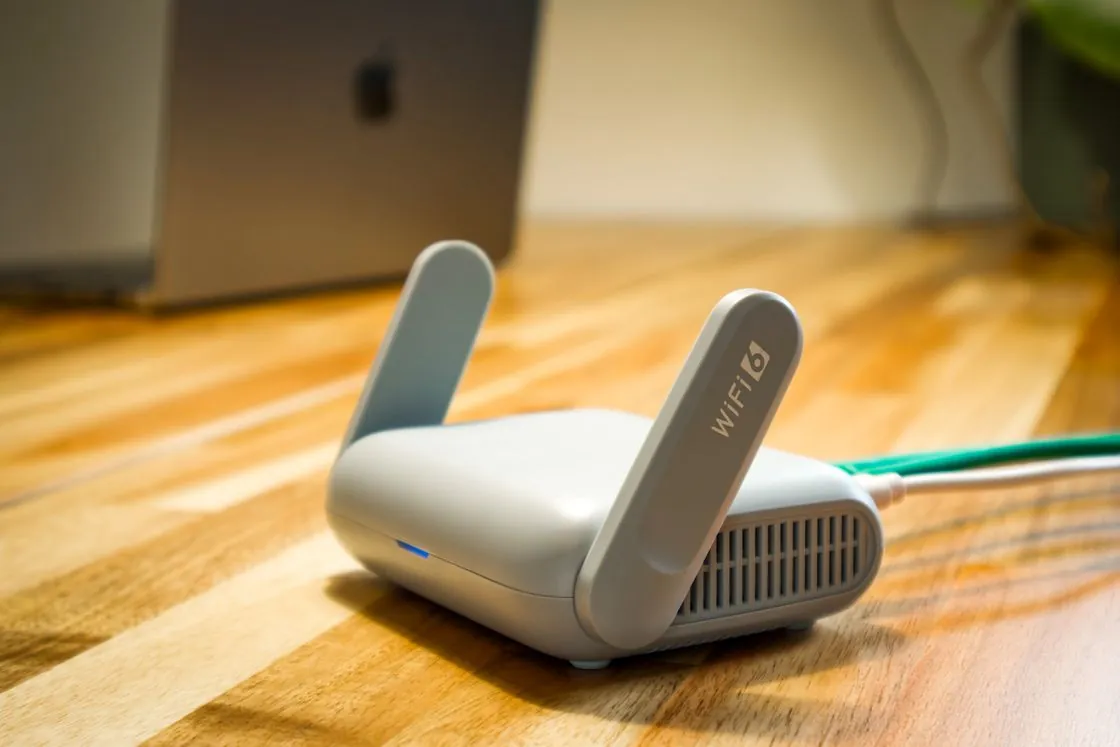
The player may sit behind a metal-backed screen, close to a wall. Compare playback at the device’s actual position before moving the router.

Write down a visible clock or match event and the local time it appeared. A programme listing alone cannot measure picture delay.
Close both sessions. Start one TV, allow it to settle, then open the second and note exactly which session ends.
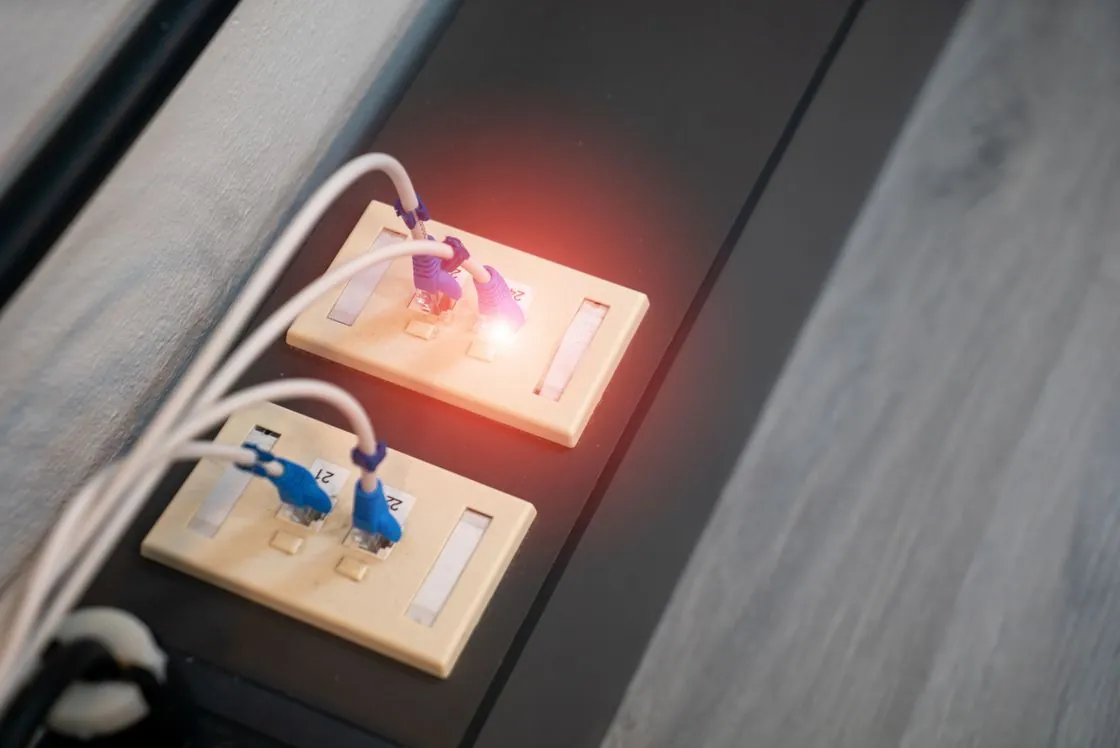
Repeat the same feed, room and viewing window on a second evening. Keep a note of the one thing that changed between runs.
Record the competition, opponents, date, stage and territory. Use that description in the competition schedule and again with the broadcaster.

Save kickoff and the start of the broadcaster’s coverage as two entries. Opening a studio show early does not tell you the match has moved.
Find the session name on the weekend timetable. Practice, qualifying and the race have separate starts, even at the same circuit.
Open the specific fixture while signed in on the intended screen. Check for a local restriction, purchase button or separate channel before inviting people over.
While the live feed is running, open its audio choices. Test a spoken sentence and leave a note of the selected language and feed.
Read the recorder’s end-time or extension setting. Also look up the full-match replay so a close finish has a second route.
List the exact device, store and source format you have. A player earns a place on the shortlist only if you can install it and open that source.
Try the same channel, guide row and subtitle track with the same remote. Give each app the same time window and write down where the task breaks.
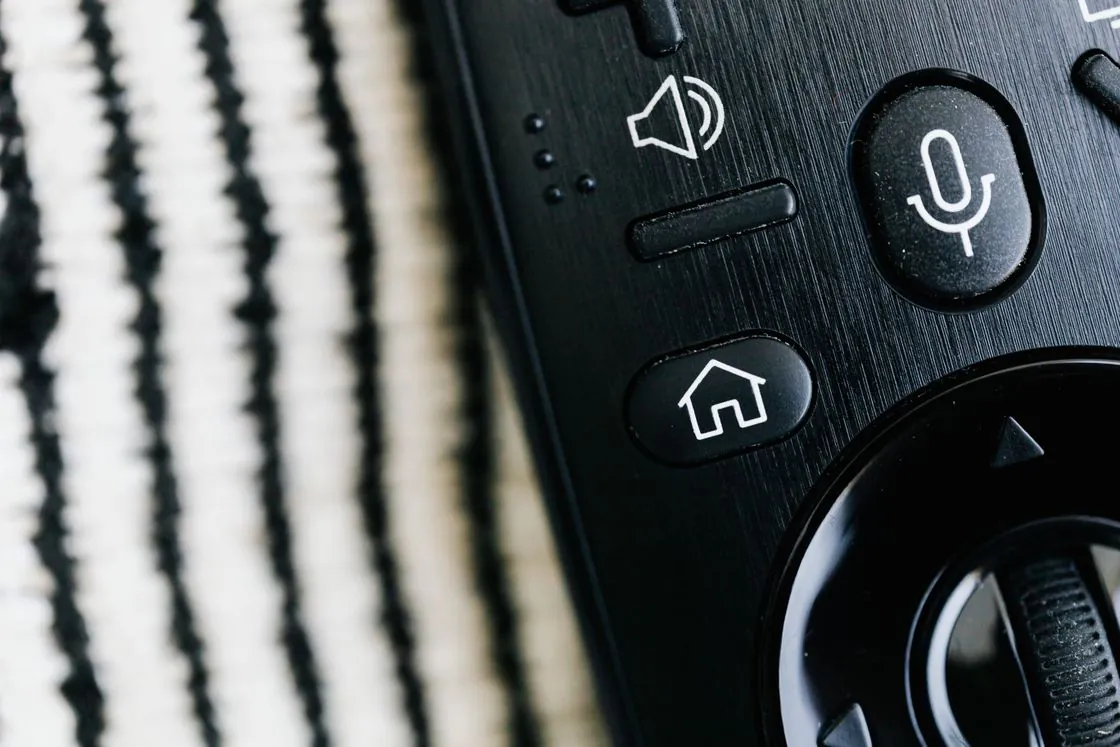
Start at Home, find tonight’s programme, open it and return to the same guide row. Count the places where the remote loses your position.
Try the handoff you use at home and watch what happens when the phone locks. Built-in casting and screen mirroring can behave differently.

Record the store, publisher and purchase account privately. Look up the restore or transfer route while the old device still opens the app.
Pick the daily tasks that matter to your household. Record a pass or the exact snag for each app, including the path to captions and the return to live TV.
Count the months you expect to use, then compare the full bills for that coverage. An annual price divided by twelve cannot tell you what a short season costs.
Sketch a normal evening in both rooms. Count the screens playing at the same moment, including any recording that the seller counts as a session.
Write the billed amount and original currency first. Add your converted estimate in a separate column with its rate and date.

Write one line for the first payment and one for the next renewal. Ask the seller for the date and amount wherever the future bill is unclear.
Find the stated expiry, cancellation route and time zone in your receipt or account. Set a reminder early enough to use that route.

Keep the pack total divided by usable credits at full precision. Multiply by the documented term deduction, then round the displayed amount.

Write down the title, original broadcaster, edition and local date. Match that record separately to an authorized outlet in each viewer’s territory.
Look up the station call sign beside the city and broadcast time. A network name can cover several affiliates with a different local evening lineup.

Keep the city, language and network together. Compare the programme in the schedule after selecting the actual station.

Choose the named state feed and check the dated bulletin. A national news stream may show a different programme in the same slot.

Identify the broadcaster and its local programme window. Compare the schedule at the start of that window, when the editions can separate.

Record the city and date printed by the broadcaster. Convert to the viewer’s city after that, especially during weeks when clocks change on different dates.
Write down the programmes, screens and access needs that matter on a normal evening. Reuse the same brief so missing details stay visible across offers.
Check the checkout domain, merchant details and renewal contact before paying. Save the offer and receipt together so you can trace the transaction.
Find that programme in the broadcaster’s own listings for your market. Compare the named outlet and date with the seller’s claim.
Use the TV’s own store and verify the publisher. A screenshot from another operating system cannot confirm that this screen can install the app.
Trace the reset path from the actual purchase account. Keep a private recovery note accessible to the person responsible for the household account.
Play a live programme and a replay on the everyday screen. Ask the viewer to switch captions on, read a spoken line and return to the picture with their usual remote.
Open the device information and copy the model or generation. Match that identifier to the manufacturer’s accessory and app information.

Look up the app on the Stick, verify the publisher and save the official listing. Use the name shown there when asking about setup or recovery.
A single known channel gives you a quick check of sign-in, channel selection and sound. Expand the list after that simple path works.
Read the incoming resolution, dynamic range and refresh rate separately. Change one output option, then replay the same short scene.
Keep the same app and account while checking power, HDMI input and network in the new room. Mark which part of the route changed.
Press Home and check the active input. The television’s store and a player attached over HDMI each have their own app catalogue.
Read the player licence and the service agreement separately. The first can unlock app features while the second controls the channels you may access.
Name the missing app, accessibility control or playback feature. Verify that the proposed box and its store support that precise task.
Test the complete trip with the usual remote, including leaving a programme and returning to it. Make the reader’s own viewing task the acceptance check.
Compare two channels and tomorrow’s listings. A single mismatch points toward mapping, while empty rows across every feed make the feed import worth checking first.
Match the actual region and channel identifier against the guide entry. Two schedules can use nearly identical display names.
Find the last programme time in the supplied guide and compare it with the stored listings. A refresh cannot add later entries that the source never sent.
Work out whether the TV app stores the guide itself or reads a home server. Trigger the refresh where the guide is imported, then reopen a client.
Give the station edition, local time, expected programme and actual listing. Crop account keys and private source addresses out of the screenshot.
Open the fixture and read its viewing options. Check which Apple account is signed in before treating a purchase prompt as missing coverage.
Read the court and session on the order of play. Then open that court in the local broadcaster’s list and listen to the first spoken point.
Match the men’s or women’s competition, date and venue before checking the coverage listing. The same club name can appear on two schedules.
Open UEFA’s broadcaster entry for your territory. Search the named outlet for the actual fixture and full-match window.
Check whether the product lists live pictures, timing data or delayed replay in your country. A moving leaderboard can be a complete timing service.
Check the fixture’s competition and round first. A cup tie between league rivals can have a different broadcaster.
Open the broadcast list for the tournament edition and market. Match the outlet to video, audio commentary or digital coverage.
Use the event timetable to find the exact session, then match the coverage start. Record the designated replay separately if you will watch later.
Read the race’s VideoPass replay options. TimingPass is organized around lap data, which can reveal the outcome before playback.
Find the main broadcast and its start. Add scanner audio or an in-car feed only after recording which screen carries the race director’s pictures.
Note your viewing location, the teams and the date. Check the specific national or regional game listing against that location.
Keep the championship, teams, round and local kickoff together. Use the broadcaster’s individual event listing to distinguish the live match from an earlier edition.
Read the event-specific watch guide. Record the outlet and start time for each segment you intend to watch.
Check the tournament court assignment and the broadcaster’s dedicated court streams. A studio window may move between ongoing matches.
Look at the order on that particular court. A match that follows another depends on when the earlier players finish.
Read the named session in the event timetable and compare the viewing start in your territory. Open the video listing separately from live timing.
Read the merchant on the receipt. A channel purchase through Prime Video, Apple TV or Roku can have its viewing route inside that service.
Read the initial rental deadline and the shorter period that starts at first play. A quick picture test may start that second clock.
Check the language edition, subtitle choices and availability end date on the exact programme. Try a line of dialogue on the viewing device.
Choose a dialogue scene with a meaningful sound cue. Switch tracks and note whether you see a translation, a sound description or hear another spoken language.
Look up the intended title and language, then select audio description. Listen during a visual action between spoken lines.
Check the actual episode’s audio menu and any separate French or English edition. Record which one plays the dialogue you need.
Open the audio choices on the episode you want to watch next. A season or series label alone cannot establish the dub on every episode.
Open the Versions tab where offered and choose the picture edition. Check the audio path independently if a particular surround format matters.
Read its programme-guide slot, then look for the title separately in the on-demand library. The two entries can offer different playback controls.
Search for the programme’s signed version, then play its actual listing on your device. The captions switch and a signed edition do different jobs.
Read the merchant name on the receipt and match it to a subscription list. Use that billing route to check the renewal date or change the plan.
Find the scheduled recording in My Stuff and open it from the beginning where offered. Avoid the live channel tile if another viewer is keeping the score quiet.
Compare the same cue on the TV and web. Identify which device or player controls font size and background before changing household-wide settings.
The player reads a media playlist to find the next segment. Available variants may let it change quality as network conditions change.
Match the title, plan and supported device, then check the playback information your equipment exposes. A television may upscale a lower-resolution input.
Check the current title page for a play button and its final viewing date in your country. A saved catalogue entry can remain visible after availability changes.
Identify the local tuner or the internet channel guide before checking recording controls. Their channels can look alike in a combined browsing session.
Favourite the live channel to return to its timetable. Save an on-demand title to the Watch List when you want to start that title yourself.
Read whether it offers included playback, a rental, a purchase or a separate channel subscription. Check the selected edition before confirming any charge.
Disconnect the device, open the downloaded episode and try its required language track. Leave enough time online beforehand to resolve a licence or storage problem.
Enter the children’s experience, start an appropriate title, then try leaving it with the usual remote. Confirm the parent PIN works as intended.
Open Library under the purchasing account and check the title or receipt. A Watchlist entry can point to content supplied by several providers.
Use two profiles on the same device in the same location. If the title appears on one, look at profile maturity, restrictions or language settings.
Read the playback version before comparing the ads. A live programme, DVR recording and on-demand copy can use different ad behaviour.
Look for the AD marker on the episode, then open its audio menu on the screen you will use. Listen to a quiet visual passage before recording the result.
Select the named state feed and compare it with ABC’s guide for the same local time. Keep the state and date beside the programme name.
Choose the city’s CBC Television station from the regional listings. Check its bulletin time separately from the national news channel.
Identify the regional bulletin, then consult Freeview’s address checker. Keep a record of the current channel list before deciding whether to retune again.
Check the Live TV input and guide filters. Over-the-air stations come from the antenna scan, while internet channels depend on the network.
Match the title and edition, then test a spoken cue in each player. Write down the live feed or replay when reporting a missing track.
Look up the full session in the dedicated channel’s listings. Compare its end time with the Main Event window before setting the recording.
Keep the complete feed name and your Canadian region. Match both against the game-day listing before treating the primary ONE channel as missing.
Look up the programme’s actual resolution and the player’s output. Compare a familiar scene from your usual seat before judging the upgrade.
Compare the same moving scene at the same display settings. Resolution gives frame dimensions, while compression and bitrate also affect fine detail.
Open a known favourite and its guide row. Store the backup privately because it may contain a reusable source address or account details.
Read the codec, profile and resolution of the sample. Compare those details against the decoder support for the specific device generation.
Check whether the feed offers start-over, archived catch-up or a scheduled recording. Test the exact broadcast you intend to watch.
Add the expected bitrates of the streams that overlap. Test in the viewing rooms while they both run and leave room for other household traffic.
At a steady 8 megabits per second, an hour is about 3.6 decimal GB before overhead. Compare that estimate with the device’s measured data use.
Record the phone’s network usage, play one authorized title at a chosen quality for a timed session, then read the counter again.
Use only the everyday remote to open a channel, switch captions and return to the guide. Note the exact point where focus disappears or a button has no effect.
Separate app installation, service authorization and the player’s saved settings. Test one authorized screen at a time and keep the old device available for recovery.
Verify the adapter fits the model and that the device reports a wired connection. Then replay the same live source from the same location.
Replay the same steady pan in both supported modes. Regular stepping and a random freeze are different observations worth recording separately.
Record the year, cut label and listed runtime. Reopen the edition on the television before settling down for the film.
Use the episode title, story and original air date beside the number. A double-length premiere may be listed as one episode or split into two.
A forced subtitle track can translate selected lines in a production. Test the same scene with full captions enabled to see which cues change.
Identify the authorized source, the player that opens it and the screen receiving the picture. A failure in one layer can leave the other two working.
Try the same local bulletin, live sport and replay using each system. Record controls, time to picture and the full bill for the term you would choose.
Check one spoken line for captions, the intended audio track and the remote path back to live TV. Let the person who uses those controls run the test.
Record the exact domain, merchant identity and terms shown at checkout. Keep private payment information out of any shared screenshot.
Identify the outlet and territory, then ask for independently checkable authorization. A logo on a seller’s page establishes the brand being discussed.
Record the requested term, expected credit deduction, result and new expiry. Trace the same reference through payment, panel activity and receipt.
Record the store account, app edition, working settings and private recovery route. Verify you can recover the account before erasing the device.
Note the channel tile, bulletin name and local time. Compare the displayed edition with ITV’s listing for the intended region.
Check CC during the live transmission, then revisit the exact scene in the published replay. Keep the timestamps and labels for each.
Move focus to the intended game and listen for its commentary. Check the available combinations for that device before diagnosing a missing tile.
Read the current playback-area setting in the service’s own location controls. Keep the temporary viewing location separate from the permanent home-area setting.
Choose the same visible event in both pictures and time when each shows it. Repeat later in the same broadcast to see whether the difference changes.
Open a named title or channel. Identify whether it is a scheduled free stream, an on-demand item or a broadcaster feed that asks for an existing account.
Open the individual DAZN event and read the total, account requirement and replay details for the market. Save the exact event name next to the receipt.
Match the specific event’s format label with a supported television and its quality setting. Confirm the playback result on that screen.
Record the programme, the live or on-demand version and the ad timestamp. Compare that item with the plan’s published exceptions.
Read the action on the title page. A scheduled channel, free on-demand version and purchased library entry can share artwork while offering different controls.