IPTV Blogs / Field desk

Covers & campaigns

How do I tell an app, a competition and a broadcaster apart? Start with the name on screen. The atlas keeps streaming platforms and sports competitions in separate groups, with an index you can search.

Covers & campaigns

The viewing atlas

Start with the name on screen. The atlas keeps streaming platforms and sports competitions in separate groups, with an index you can search.

Search the platform and sports logo index. The editorial display preserves the Rynex Play image in its original aspect ratio.
Covers & campaigns

The ten-minute freeze

Keep the same channel on screen and note the time it stalls. Try one other feed while the fault is still visible.

Covers & campaigns

The number on the invoice

Start with the amount due today, its currency and the entire term. A monthly equivalent answers a different question from the one on the invoice.

Covers & campaigns

Follow the credits

Match the dated supplier rule to the term selected in the panel. Keep the activation reference and the actual deduction on the same ledger row.

Covers & campaigns

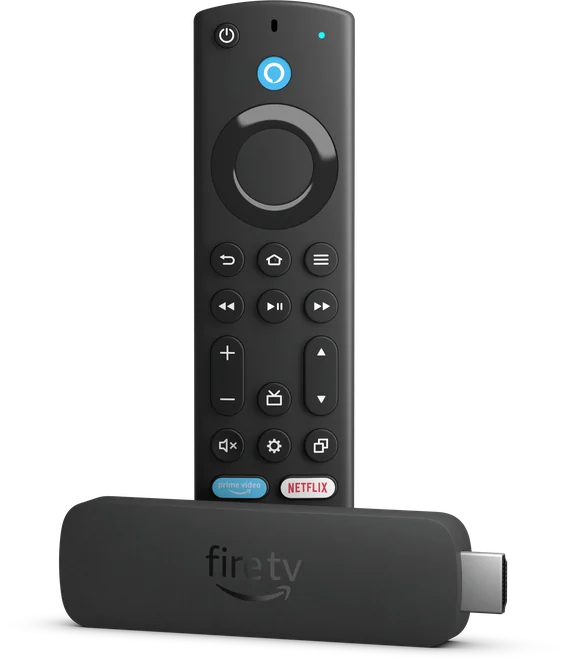
Which Fire TV Stick is this?

Check the model and generation in the device information before following the menus. The product photograph shows the second-generation Fire TV Stick 4K Max and its remote.

Covers & campaigns

Find the app behind the logo

Choose the platform, then follow its publisher or help listing for your market. Similar wordmarks can lead to different products in a TV store.

Covers & campaigns

Find the match broadcaster

Look up the competition and its local broadcast listing. Keep the opponent, fixture date and territory together when you check the channel guide.

Covers & campaigns

A poster is a place to start

Match the title, year and format. For a series, check whether the artwork was issued for a season or for the programme as a whole.

Covers & campaigns

One logo, several feeds

Look for the broadcaster, feed name and intended region together. A familiar logo can appear on several feeds with different schedules.

Covers & campaigns

Midnight in Karachi

Check the date after converting the published start time to Asia/Karachi. A late event listed overseas can fall on the next calendar day at home.

Covers & campaigns

Who’s speaking on track two?

Open audio options while the programme plays. Read the language and track type there, then check a second title before changing household defaults.

Covers & campaigns

What went out of the wallet?

Give the term, transaction type and time of the balance change. Mask account names and receipts before sharing any part of the record.

Covers & campaigns

The sofa-distance caption test

Use a familiar scene, sit where you normally watch and try the caption size against both light and dark backgrounds. Repeat on a live feed.

Covers & campaigns

One seat. Two services.

Use the same screen, location, programme and time window for each test. Record the source and observation separately so another reader can repeat it.

Covers & campaigns

Two plans on equal terms

Match currency, billing period and permitted screens first. Then check the original offer date and any separate player licence.

Covers & campaigns

Before the Fire TV reset

Record the app name and sign-in method privately. Check power, storage and app cache before deciding whether to clear saved data.

Covers & campaigns

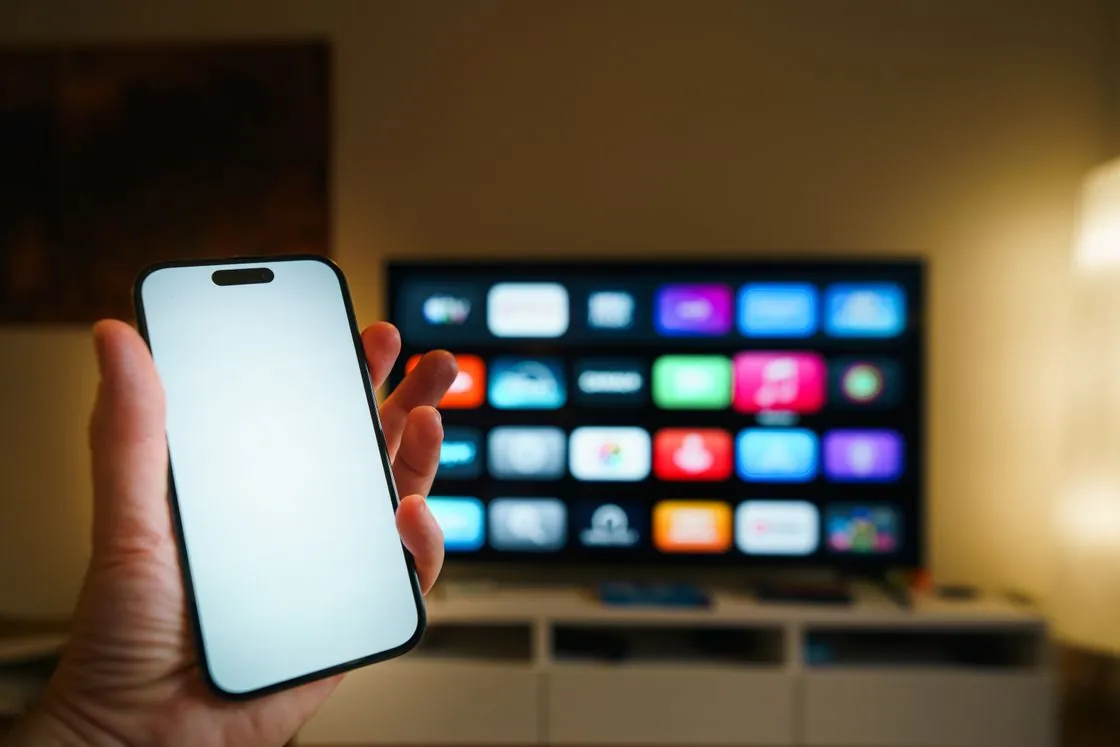
The picture stays on the phone

Find the receiver in the app’s cast menu and check its name against the television. Keep both devices on the same local network for the discovery test.

Covers & campaigns

Yesterday’s game

Open the original programme listing and look for its replay action. Record its stated end time and check whether the programme can be restarted.

Covers & campaigns

The picture has no voices

Try another audio track for the same scene and test the television speakers. That gives you a comparison before touching the receiver settings.

Covers & campaigns

Which episode comes next?

Compare the title, season, episode name and ordering scheme. A service can follow a broadcast order while a disc release groups episodes differently.

Covers & campaigns

The rental clock

Read the rental terms on the title page. Keep the time allowed to start a film separate from the shorter window that can begin once playback starts.

Covers & campaigns

Plan the trial around your evening

Choose a must-have channel, the usual room and a busy viewing hour. Write down the result before switching app, network or device.

Covers & campaigns

It plays. The guide is blank.

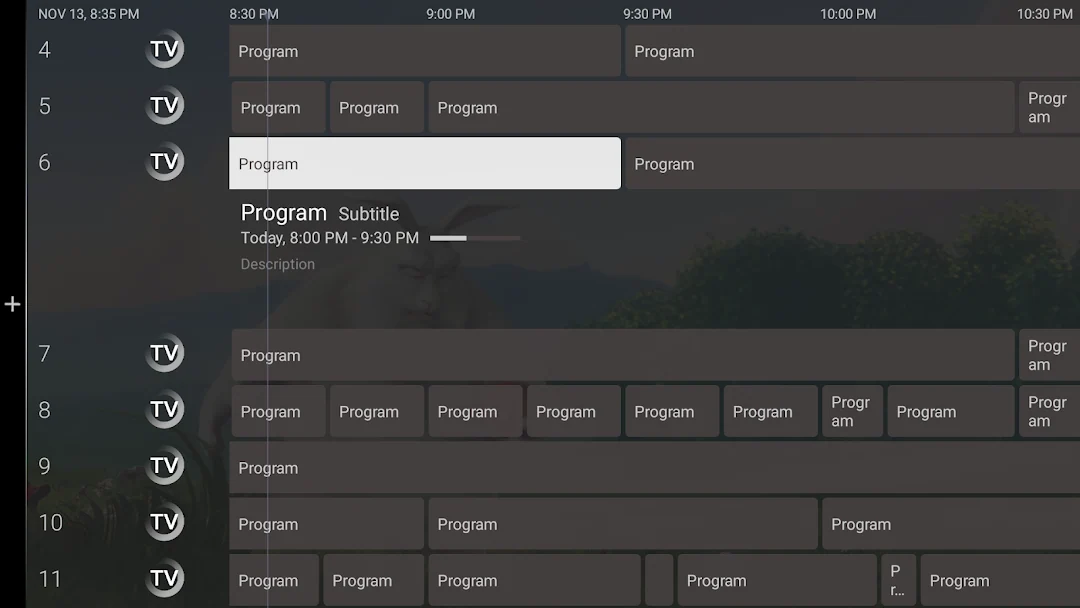
Check that a guide source is loaded, then compare one channel’s identifier with its listing. Refresh after correcting a match.

Covers & campaigns

An hour of TV on mobile data

Note the phone’s data reading before a short test on the same quality setting. Use the measured difference to estimate a longer session.

Covers & campaigns

Renew from the right date

Record the existing expiry and the supplier’s extension rule before sending the action. Compare the resulting expiry with the receipt once it completes.

Covers & campaigns

Who answers after the sale?

Pass on the device, symptom, checks already tried and supplier reference through the approved private channel. Leave passwords out of the handover.

Covers & campaigns

Before the wholesale payment

Ask about the contracting party, usable credits, expiry and support route. Keep the quoted terms and date with the purchase record.

Covers & campaigns

Move the player, keep the shortlist

Confirm that the app exists for the new device and check its licence transfer rules. Keep a private copy of favourite channel names before removing the old setup.

Covers & campaigns

Listen for the descriptive track

Open the title’s audio options and look for an audio-description track in your language. Test it in a quiet scene where there is something visible to describe.

Covers & campaigns

The box beside the TV

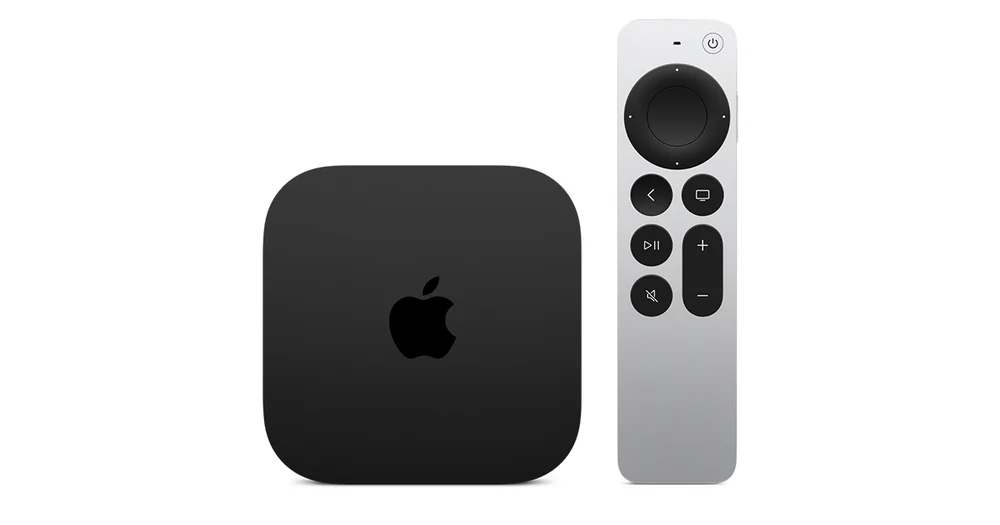
Identify the box and its platform before looking for settings. A guide written for a Chromecast dongle may use a different port or remote layout.

Covers & campaigns

Same name. Which website?

Read the domain all the way to its ending. Open that exact record to check the provider’s terms and the source listed beside them.

Covers & campaigns

The second receipt

The player publisher and the viewing supplier can bill separately. Check the product name, seller, renewal date and device on each receipt.

Covers & campaigns

Inside a free channel guide

Look for a schedule and a programme already in progress. Check the operator’s listing for supported territories and how to watch.

Covers & campaigns

Two languages, one title

Open the exact episode and check its audio choices. The language of a title page or menu alone cannot settle which track was supplied.

Covers & campaigns

Same title, different cut

Put the release year, runtime and edition label next to the title. Compare those three details before saving a similarly named listing.

Covers & campaigns

Between the router and the sofa

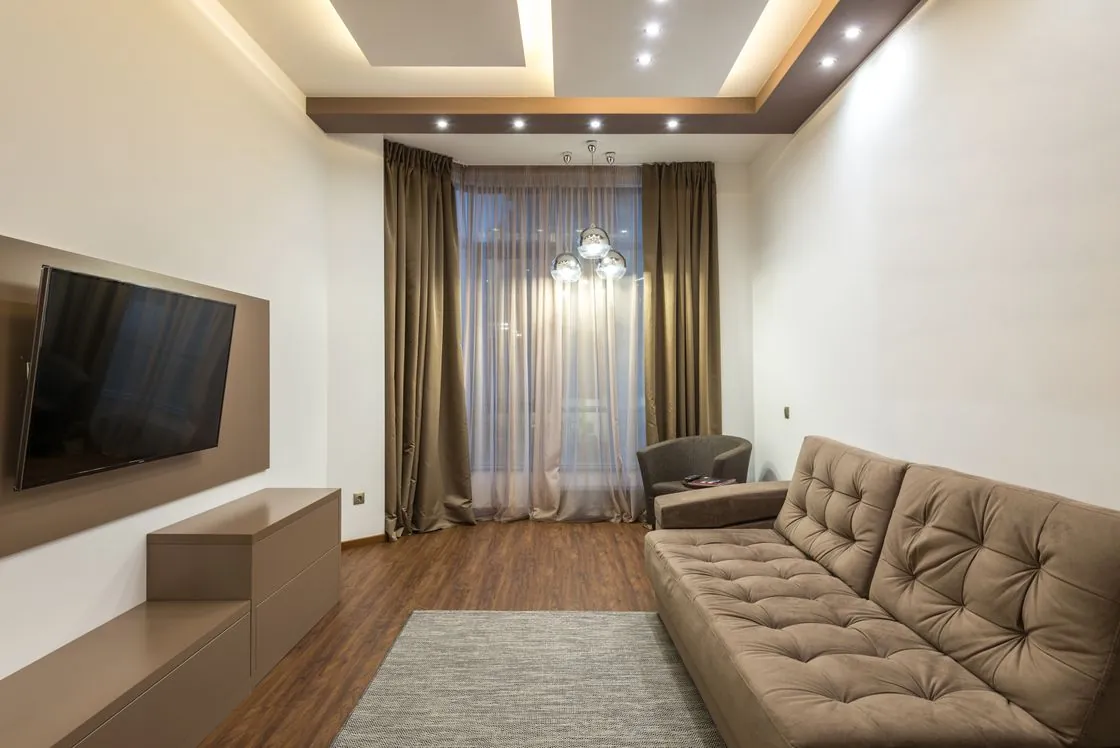
Run the same viewing check where the TV sits. A second test near the router helps locate a weak wireless link in the room.

Covers & campaigns

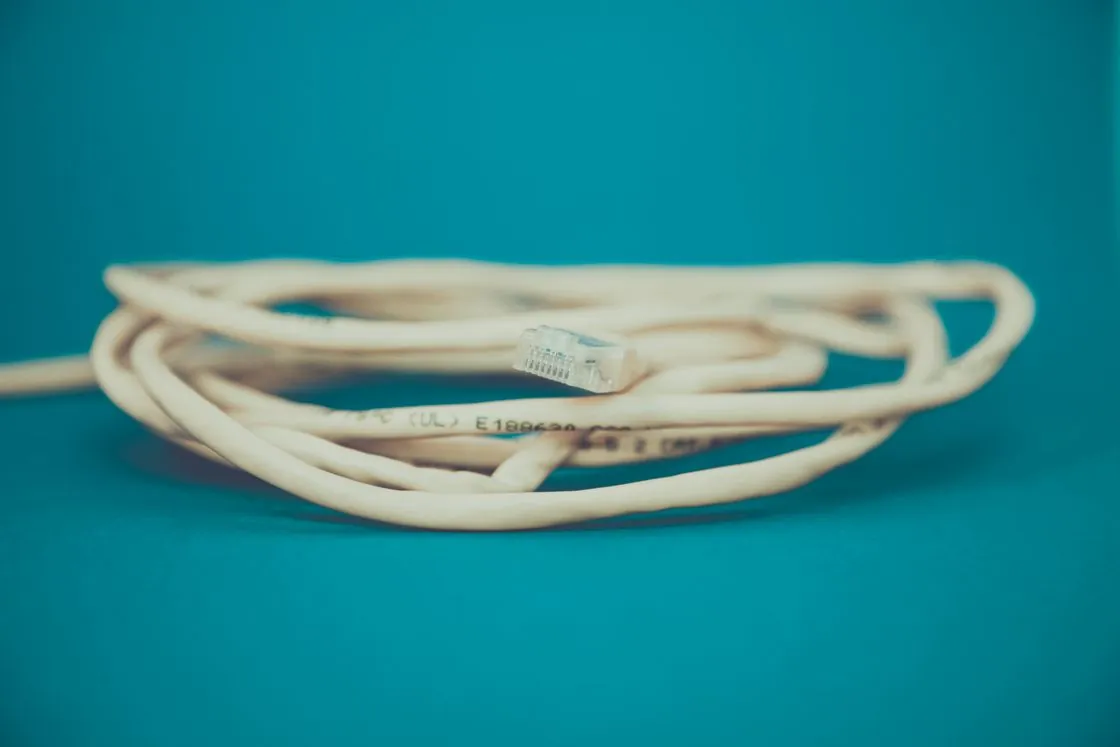
Follow the Ethernet cable

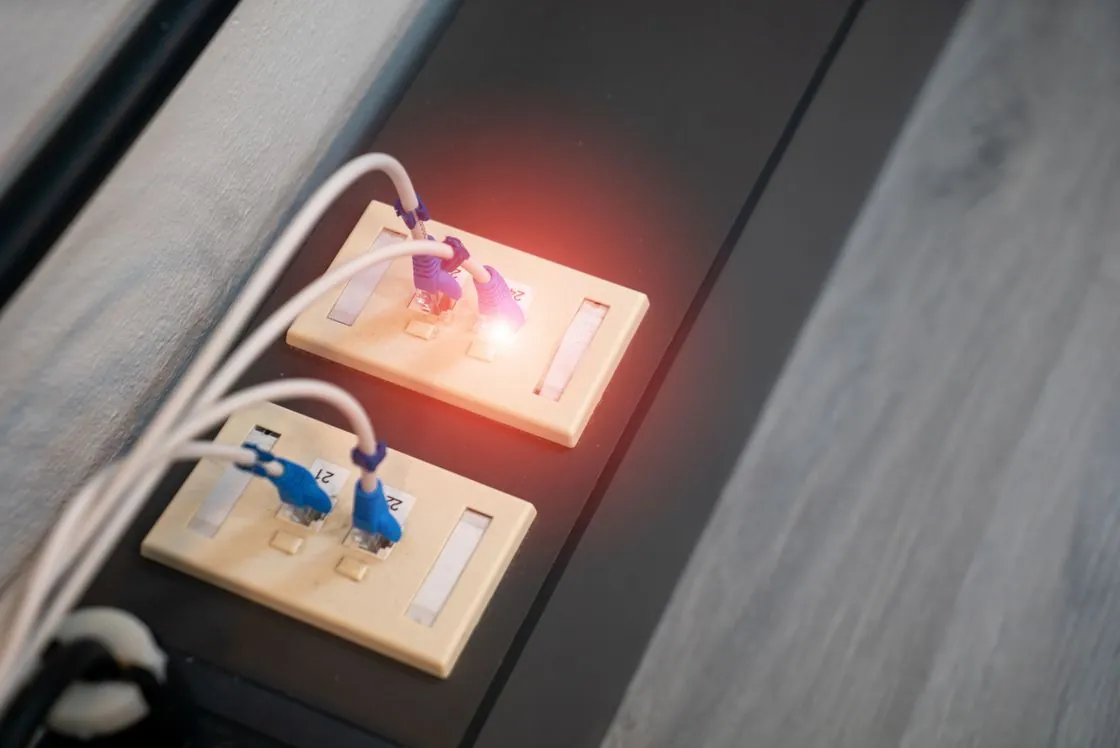
Trace the data cable and power path, then check which network the device reports. Replay the same feed on the wired link.

Covers & campaigns

A slow pan looks uneven

Replay a steady camera pan and compare the same shot after changing the device’s frame-rate matching option. Keep the TV’s other picture settings steady.

Covers & campaigns

Before the green flag

Match the session name and circuit to the event schedule first. Practice, qualifying and the race can have separate start times and replay listings.

Covers & campaigns

Which CBC feed is live?

Check whether you opened a local CBC station or CBC News Network. Match the stream name and city to the broadcaster’s schedule.

Covers & campaigns

Which clock is kickoff using?

Distinguish studio coverage from the start of play. Compare the competition’s event time with the broadcaster’s local listing before setting a reminder.

Covers & campaigns

Bring the exact error

Name the device and app, quote the error and say when it appeared. Add the last check that changed the result.

Covers & campaigns

Crop before you post

Keep the setting or error in view. Cover account names, private playlist links, sign-in codes and payment references, then reopen the exported image to check it.

Covers & campaigns

A figure changed

Send the page address, the specific claim and a dated first-party source. Add the market or device version if it affects the correction.

Covers & campaigns

The first night without the cable box

List the programmes you actually watch, the rooms you watch from and the features you use. Check each one before comparing the recurring bills.